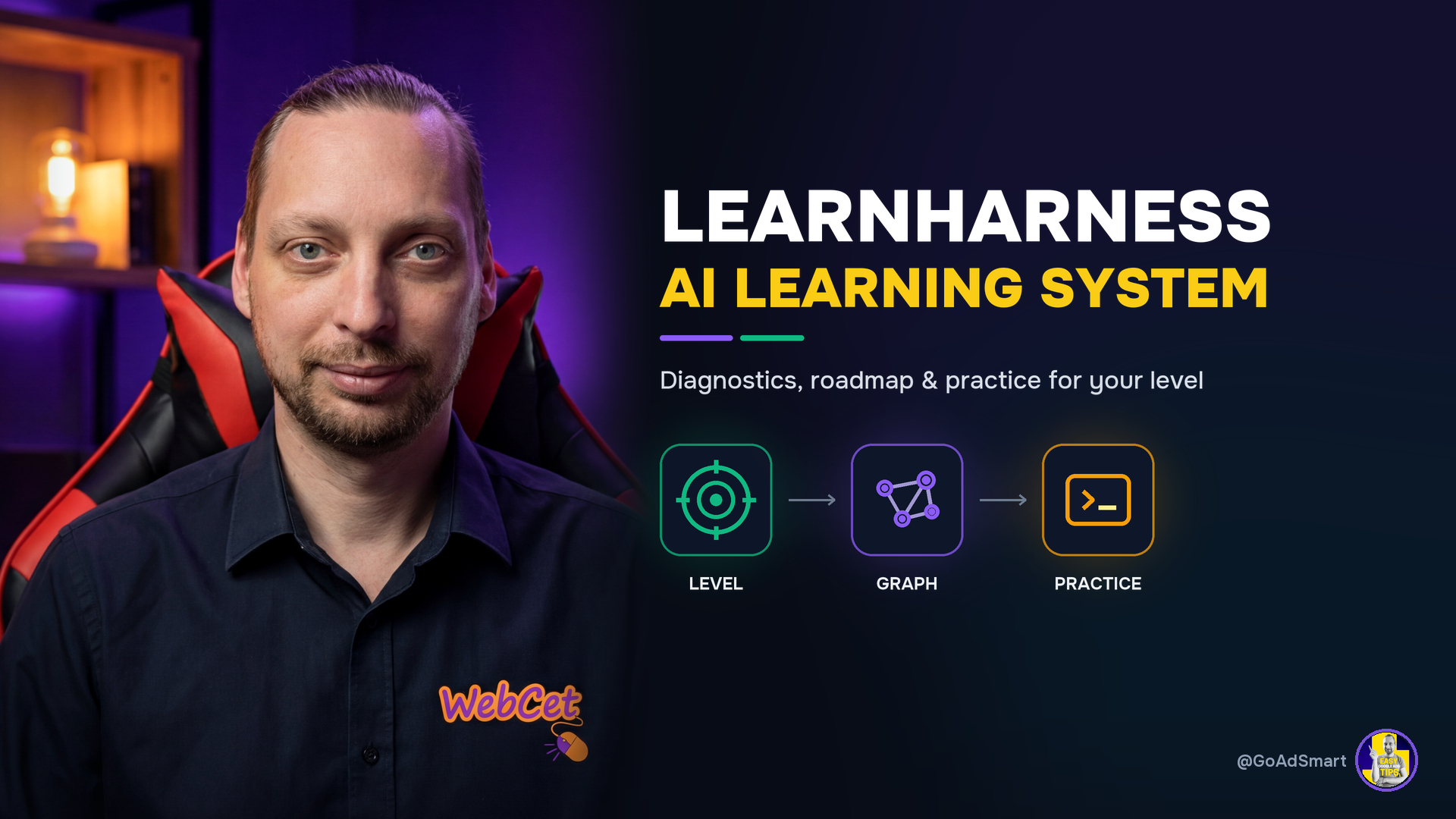
Standard AI chats deliver fast explanations, yet leave you stuck when it is time to apply the skill on your own. LearnHarness takes a different path: it is a free, open-source desktop application under the AGPL-3.0 license (created by amosblomqvist) that measures what you actually understand first, maps a personal plan from your current baseline to your goal, and saves reasoning chains inside a Knowledge Graph between sessions.
I am Ievgen Kovalevskyi, a developer of AI systems and autonomous AI agents for business and marketing. Across real projects I see the same bottleneck: teams read dozens of fluent AI explanations, yet freeze as soon as they face a non-standard task alone. I reviewed the public repository documentation and the v0.7.0 release (published on 21 November 2026; as of 22 November the repo holds around 11,080 GitHub stars) to put together a practical setup guide without hype.
Why Fast AI Answers Do Not Build Real Skills
When you ask a complex question in a standard chat window, the model produces a polished lecture from basics to summary. Reading it feels effortless, creating a false sense of fluency. The gap shows up later when you have to configure an ad account, debug an unfamiliar codebase, or analyze attribution data without prompts guiding every click.
The issue is straightforward: a chat thread never pinpoints where your reasoning broke down. One person misses a prerequisite term at step two, another confuses cause and effect halfway through, and the model gives both the exact same walkthrough. The next day in a new chat tab, you start from scratch because prior takeaways stayed buried in unlinked message history.
How the LearnHarness Framework Works: From Goal to Practice
In its documentation, LearnHarness describes itself as an agent harness for learning difficult subjects, built on Next.js and Electron. Rather than dumping one long response, it guides you through a structured cycle: Goal → Level → Plan → Step → Practice. In the official README.md, this loop is structured across four stages:
- Goal and Baseline Check (`Measure`). You state a concrete target. Before teaching, the agent probes your understanding, confidence, and reasoning across each prerequisite the goal depends on.
- Dependency Roadmap (`Plan`). From that baseline, the system builds a visible dependency map toward your target. If your answers reveal a deeper gap mid-session, the lesson adapts dynamically.
- One-Step Teaching (`Teach`). Every step builds strictly on verified concepts using a predict-explain-check loop, repairing confusion before moving ahead.
- Separate Recall (`Practice`). Dedicated practice sessions present varied problems without naming the required concept upfront, forcing active retrieval with reasoning-aware hints.
A core UI element is the "think out loud" field (typed or dictated). Instead of submitting only a final choice, you write out your reasoning and uncertainty so the agent sees *how* you arrived at an answer.
Why the Persistent Knowledge Graph Matters Between Sessions
In typical AI tools, past conversations pile up into disconnected chat logs. LearnHarness maintains a persistent Knowledge Graph across sessions, storing propositions and reasoning chains linked back to their source sessions.
Future Teach and Practice sessions read from this graph rather than starting blank. You can also import personal notes and source documents (.txt, .md, .markdown, .rst, .org, .adoc, .tex, and .pdf up to 25 MiB per file). At the same time, getting-started.md states clearly that the graph tracks ideas and links, not ability ratings—having a proposition in the graph does not prove long-term mastery on its own.
Standard AI Prompting vs LearnHarness
The comparison below summarizes the practical differences between standard AI chat prompting and a structured LearnHarness workflow.
| Dimension | Standard AI Prompting | LearnHarness Framework |
|---|---|---|
| Session start | Model generates a generic overview from zero | Probes baseline knowledge and logic (Measure) |
| Learning structure | Linear wall of text in one thread | Visible dependency roadmap and step-by-step path (Plan → Teach) |
| Error diagnosis | Evaluates final answers as right or wrong | Evaluates reasoning via "think out loud" fields and confidence |
| Cross-session memory | Isolated threads without shared structure | Persistent Knowledge Graph linking concepts across sessions |
| Skill reinforcement | You have to invent your own drills | Dedicated Practice sessions with unlabelled problems |
| Document workflow | Uploads files into cloud chat sessions | Attaches local paths/PDFs, crops figures, and extracts notes to graph |
How to Install LearnHarness and Connect Models
Official installers are available at learnharness.ai and on GitHub Releases. The v0.7.0 release ships binaries for three desktop environments:
- macOS (Apple Silicon): signed and notarized
.dmg(LearnHarness-0.7.0-arm64.dmg). - Windows (x64):
.exeinstaller (LearnHarness-0.7.0-x64-setup.exe). Currently unsigned, so Windows SmartScreen may display an unknown-publisher warning. - Linux (x64):
.debpackage (LearnHarness-0.7.0-amd64.deb) or AppImage.
The application itself is free with no LearnHarness subscription or markup. After launching, open Settings → Providers and assign models to the Strong, Cheap, and Vision slots using any supported connection:
- your own provider API keys (billed directly by the provider);
- desktop subscription sign-ins for ChatGPT, GitHub Copilot, or Grok;
- a separately installed and authenticated
Claude Code CLI; - one custom OpenAI-compatible endpoint, including a local model server (LearnHarness does not download or bundle model weights).
Optional background web search (Research) uses separate keys for Tavily, Brave, Exa, Firecrawl, or hosted Ollama search, while dictation uses a Deepgram API key. Under Settings → Core plugins (introduced across v0.6.0–v0.7.0), you can also enable FSRS-6 flashcards, a coding editor with local test execution, a drawing pad over questions, and cropping figures directly from attached PDFs.
Honest Limits and Boundaries to Keep in Mind
Before putting LearnHarness into daily use, note the technical boundaries explicitly documented in the repository:
- Local storage is not offline execution. Conversations, settings, and graph files reside on your computer, but requests to cloud models, subscriptions, search providers, or dictation send processed content to those external services.
- Plaintext keys and broad file reading. API keys sit beside the
datadirectory in plaintext files with restrictive file permissions rather than an encrypted vault. File-reading tools run with broad filesystem access under your server user and are not locked to one folder—never point sessions at directories holding credentials or private secrets. - Local code test execution. In the
Coding Questionsplugin, tests run locally under your user permissions without a sandbox, so only run trusted code. - Owner's theory, not measured clinical proof.
docs/README.mdstates directly thatteaching-methodology.mdrepresents the author's theory and is neither a runtime specification nor evidence of measured learning outcomes. Output quality depends heavily on the model you connect and the detail you put into reasoning fields. - Active early development. Created in October 2026, the project already has over 600 open GitHub issues, so UI details and plugin behaviors continue to evolve across releases.
Practical Next Step
To test the workflow on real work, pick one narrow objective for your first Teach session—such as diagnosing wasted search terms in an ad account, mapping attribution logic, or unpacking a single codebase module. Attach one relevant PDF or markdown spec and write out your exact uncertainty before choosing an answer.
Source code and official documentation: github.com/amosblomqvist/learnharness and learnharness.ai.
If you are building practical AI workflows for your business—from 24/7 autonomous ad spend audits and Google Maps local lead systems to connected AI agents that scale client acquisition—explore my architecture breakdowns at ikovalevskyi.com/en and follow upcoming English video walkthroughs on @GoAdSmart.
Frequently Asked Questions
Why do fast AI chat answers fail to build practical skills?
Standard chats output a polished lecture without checking where your reasoning actually broke down. That creates an illusion of mastery while leaving you unable to execute unassisted later.
How does the LearnHarness learning loop work?
It follows four documented stages: Measure (probing your baseline and reasoning), Plan (a visible dependency map toward your goal), Teach (one-step predict-explain-check instruction), and separate Practice sessions with unlabelled problems.
Why does LearnHarness use a Knowledge Graph between sessions?
The persistent graph stores propositions and reasoning chains linked to their source sessions so future lessons build on prior work instead of starting from an empty chat. It stores ideas and connections, not ability scores.
How much does LearnHarness cost and which models does it support?
The desktop app is free and open source under AGPL-3.0. In Settings → Providers you connect your own API keys, desktop subscriptions for ChatGPT, GitHub Copilot, or Grok, Claude Code CLI, or a custom OpenAI-compatible local endpoint.
Which operating systems are supported?
Release v0.7.0 provides desktop installers for macOS Apple Silicon (signed and notarized DMG), Windows x64 (currently unsigned installer, which may trigger SmartScreen), and Linux x64 (.deb and AppImage).
Is LearnHarness fully offline and proven to guarantee mastery?
No. While sessions and graphs sit on your drive, cloud model calls, search, and dictation still transmit data externally. The authors also note that the teaching methodology is the owner's theory, not proof of measured learning outcomes.