Every week the same routine: export data from the account, consolidate the numbers for the period, compare with last month, figure out where CPA slipped, and assemble it all into a readable report. Manus with the google-ads-otchet skill does this work for you: it connects to the account via the official connector, pulls data for the last 30 days plus the previous 30 for dynamics, and returns a ready-made structured audit. Below is a detailed guide with a screenshot for every step.
What you need
- A Manus account
- Access to a Google Ads account
- 10 minutes of your time
Step 1. Import the skill from GitHub
In Manus, open Skills, click + Add and choose Import from GitHub — all four ways to add skills are described in the official Manus documentation.
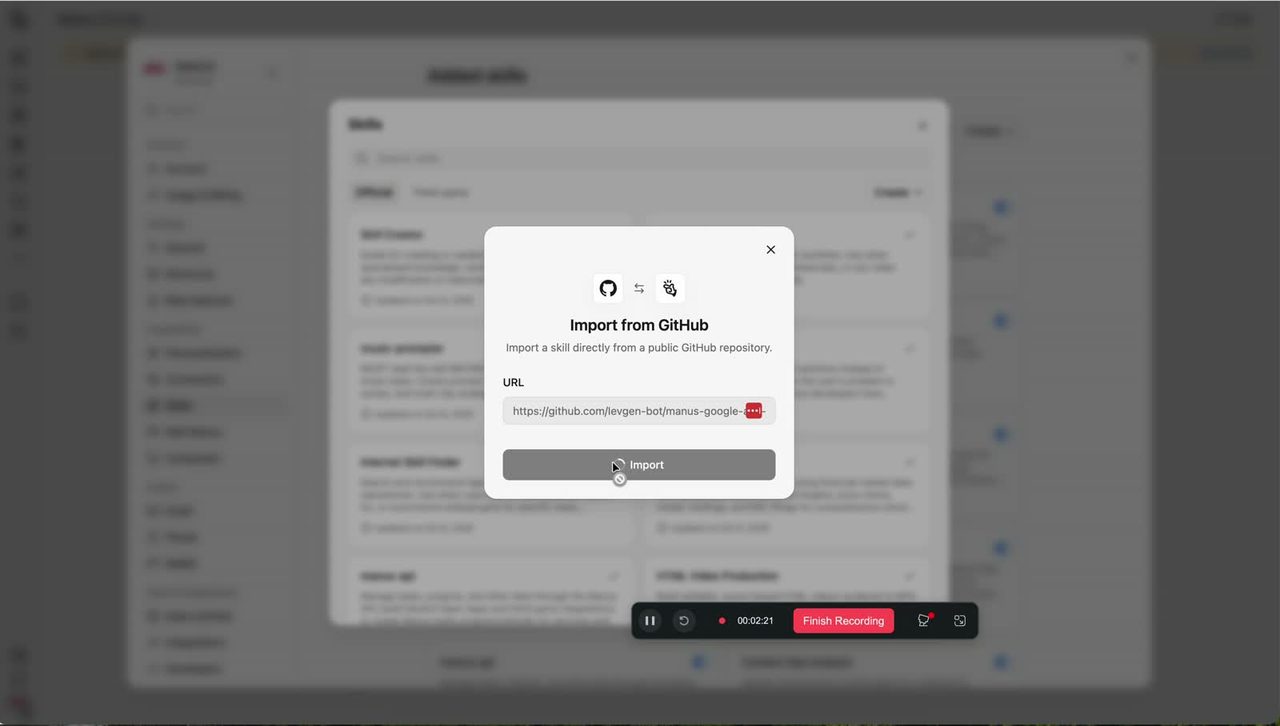
Paste the public skill repository URL into the field:
https://github.com/Ievgen-bot/manus-google-ads-otchet
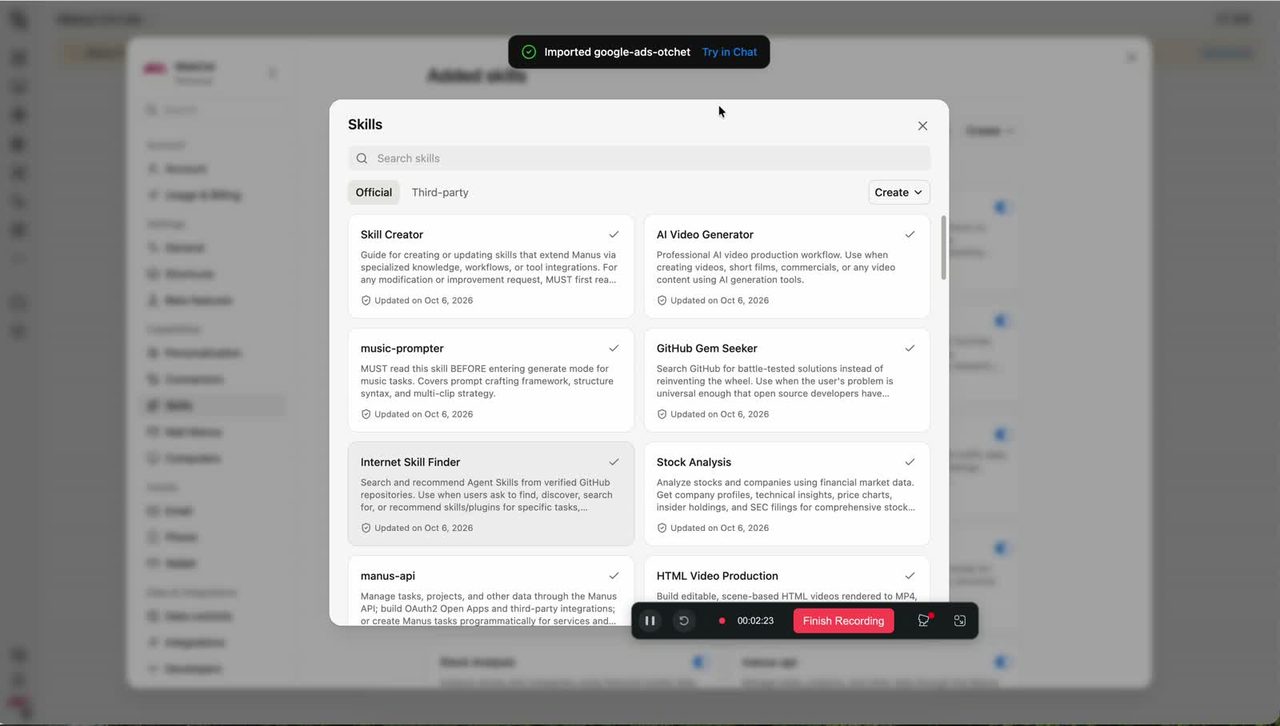
Click Import. Within seconds the skill appears in your library, ready to work.
Step 2. Connect Google Ads (Beta)
The skill gets its data through the official Manus connector. Open the connectors list and find Google Ads (Beta).
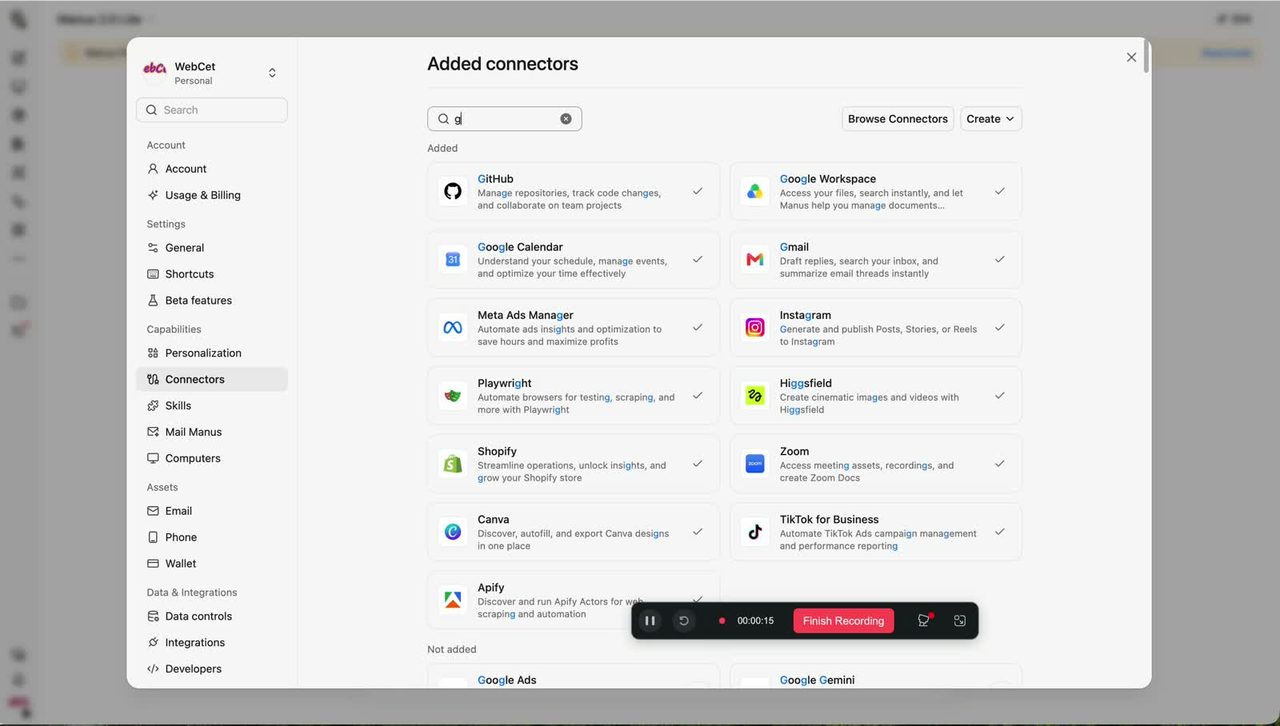
Click Connect — the standard Google OAuth consent window opens. Choose the account that has access to the ad account you need, and grant access.
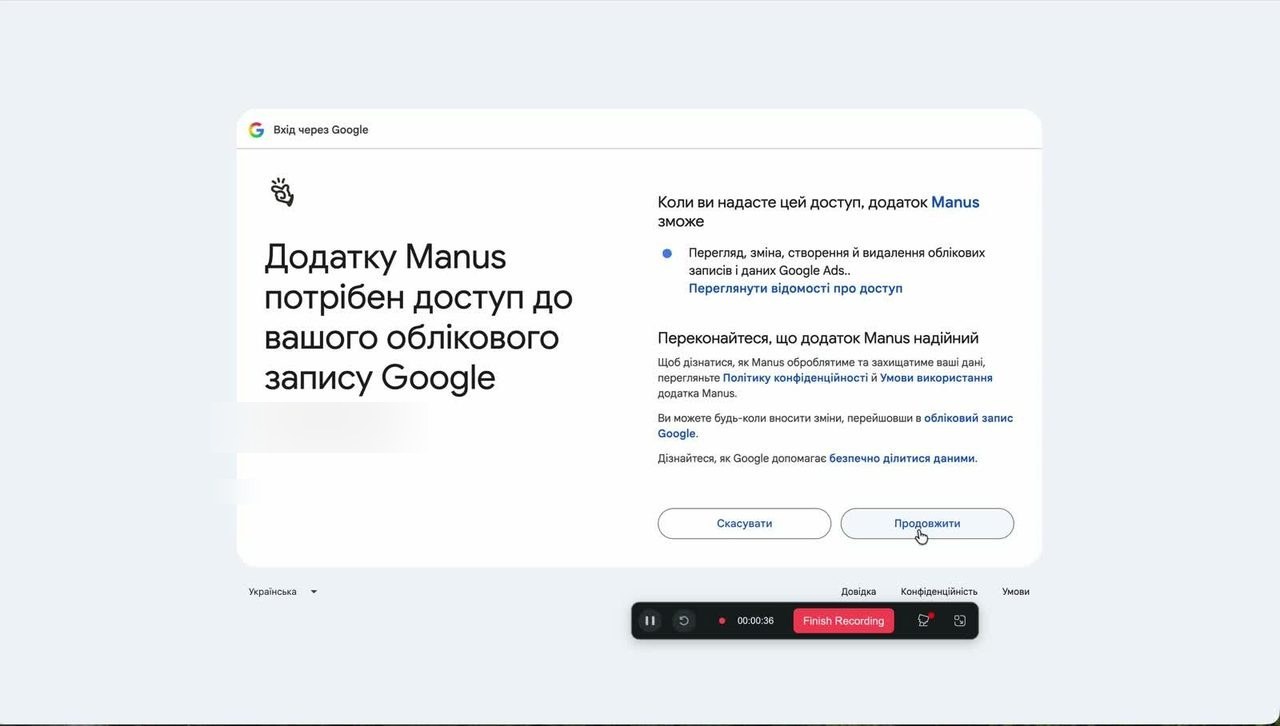
After confirmation, the connector appears in the list as installed.
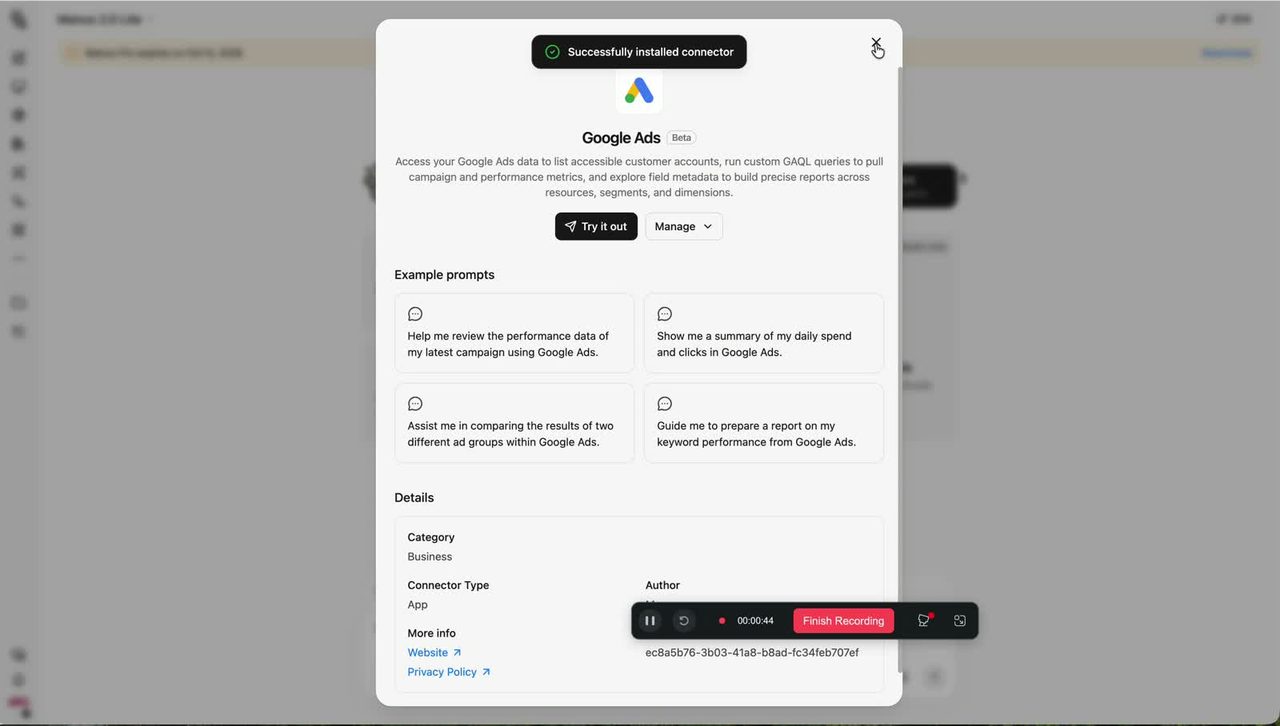
One important note: you never hand over passwords or credentials. The account ID alone grants no access — Manus gets access through the connected connector (technically via the Google Ads API); the ID only helps select the right account.
Step 3. Run the report
Invoke the skill in chat — /google-ads-otchet — and ask for an audit. Manus will ask four clarifying questions: the ID of the ad account (10 digits), what the business does and what is advertised, the acceptable cost per lead or per client, and which campaigns to analyze — all search campaigns or a specific one.
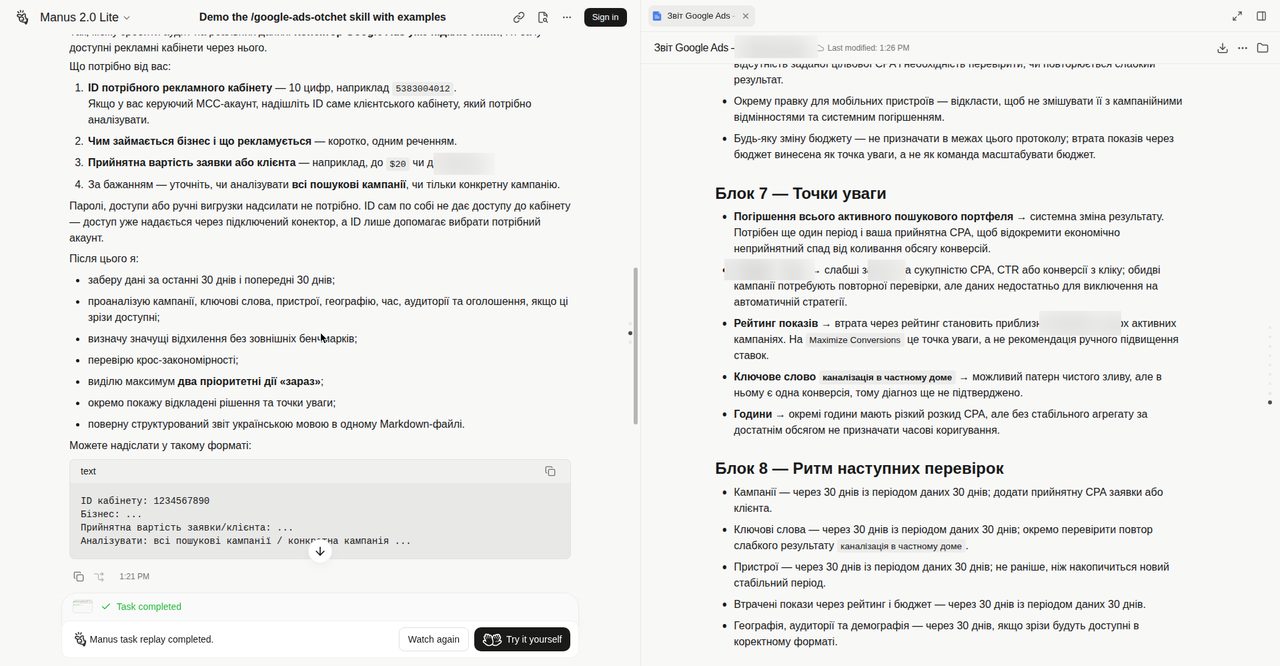
So you don't have to guess the format, Manus hands you a ready-made reply template — just fill it in with your data.
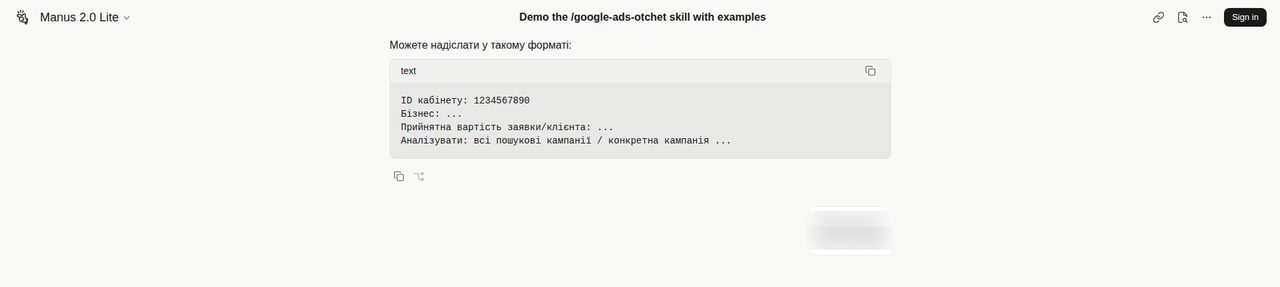
Send the completed template to the chat — and the audit begins.
Step 4. How Manus gets the data
Everything from here happens without you. Through the connected connector, the skill pulls data for the last 30 days, plus the previous 30 for dynamics. It analyzes campaigns, keywords, devices, geography, hours, audiences and ads — every slice the connector can provide.
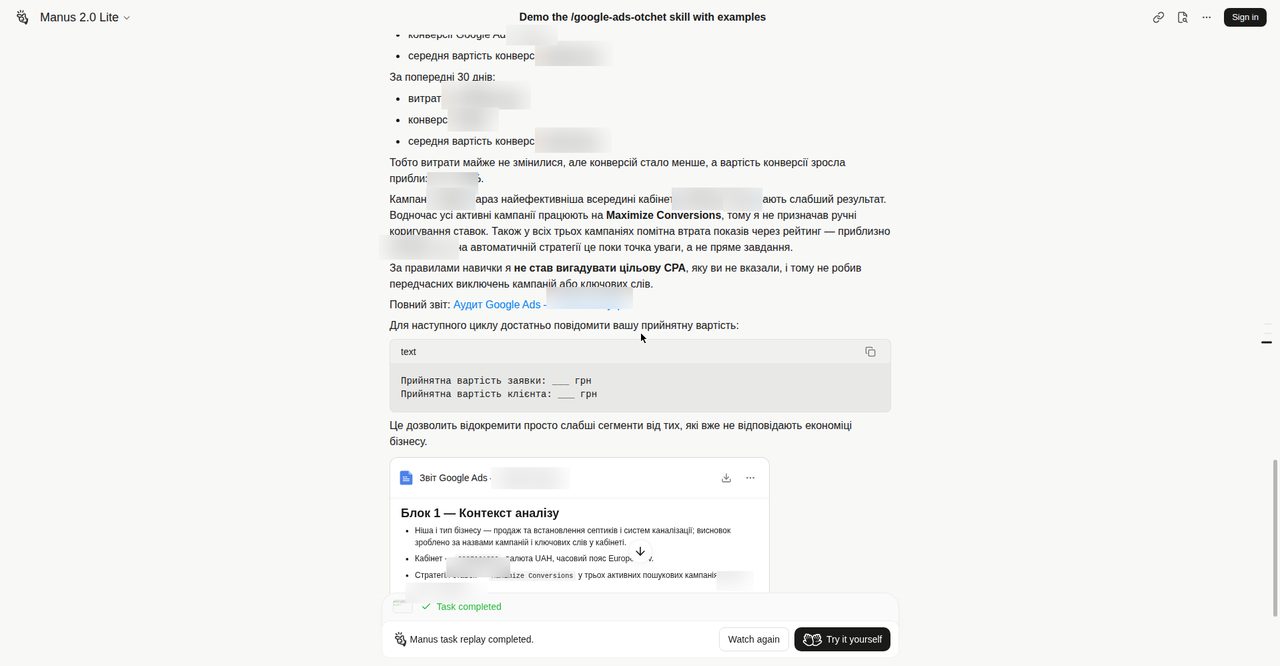
In the demo run, the whole audit took 1 minute 54 seconds. The result opens with a "Key takeaway" — a short 30-day summary: spend, conversions and average cost per conversion, plus a comparison with the previous period.
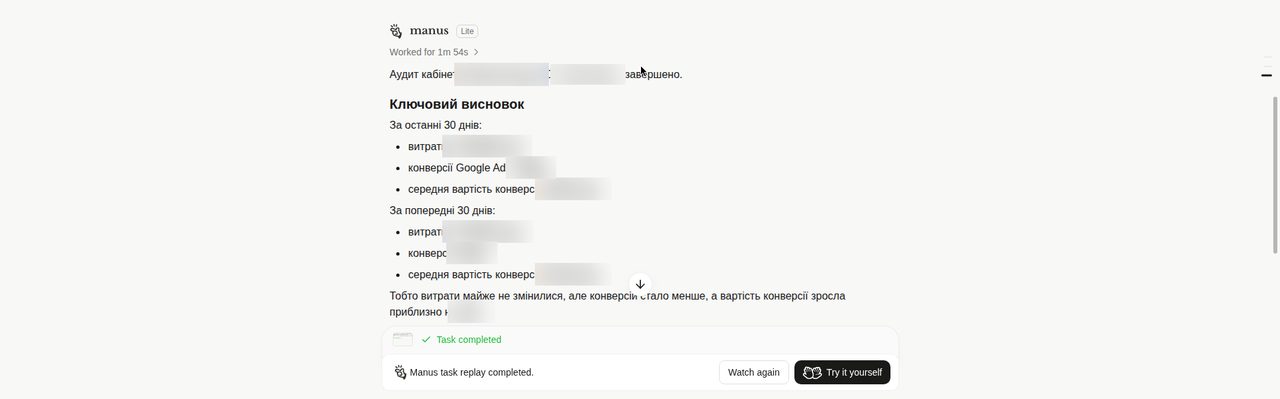
Two hard rules of the skill are visible right here: it never invents a target CPA you didn't provide, and it never shuts down campaigns or keywords prematurely. By the way, if you want to understand impression mechanics deeper, see the breakdown of how the Google Ads auction works.
Step 5. How to read each block of the result
The full report is a single Markdown file with eight blocks. Let's go through each.
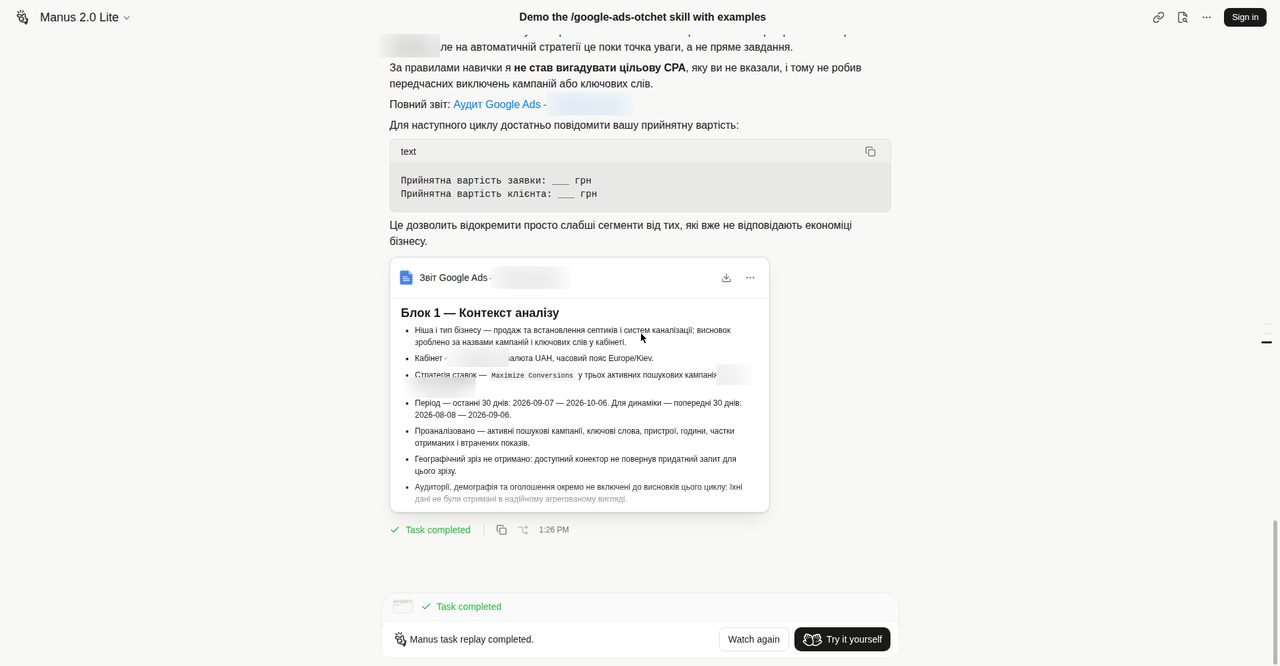
Block 1 — Analysis context
The audit's passport: business niche and type (the skill derives them itself from campaign names and keywords in the account), account ID, currency, time zone, bid strategy and the list of active search campaigns, the analysis period and everything that was analyzed.
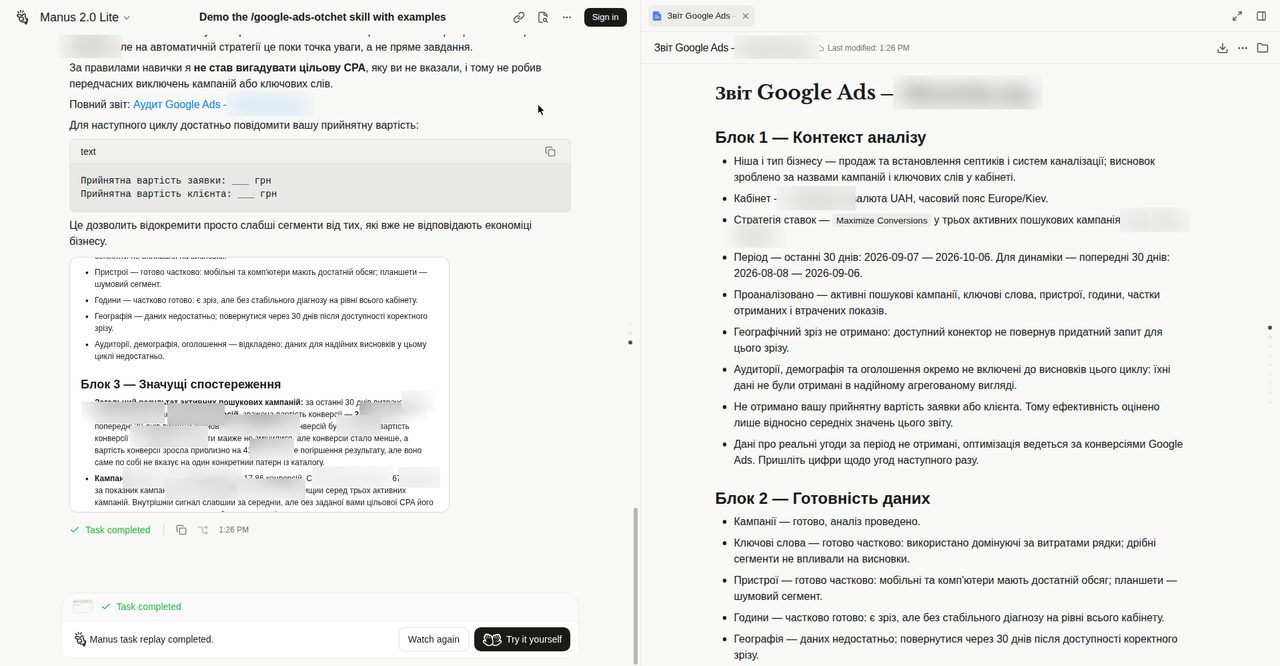
Block 2 — Data readiness
An honest map of what had enough data and what didn't. Campaigns — fully analyzed. Keywords and devices — partially (tablet volume, for example, is too thin, and the skill openly calls it a noise segment). Geography, audiences and demographics — not enough data; the check moves to the next cycle. The screenshot above shows the start of this block in the document on the right.
Block 3 — Significant observations
The main analytical block. First — the overall result of active search campaigns over 30 days: spend, conversions, weighted cost per conversion and comparison with the previous 30 days. Then — a breakdown per campaign: spend, conversions, CPA, CTR and a short diagnosis.
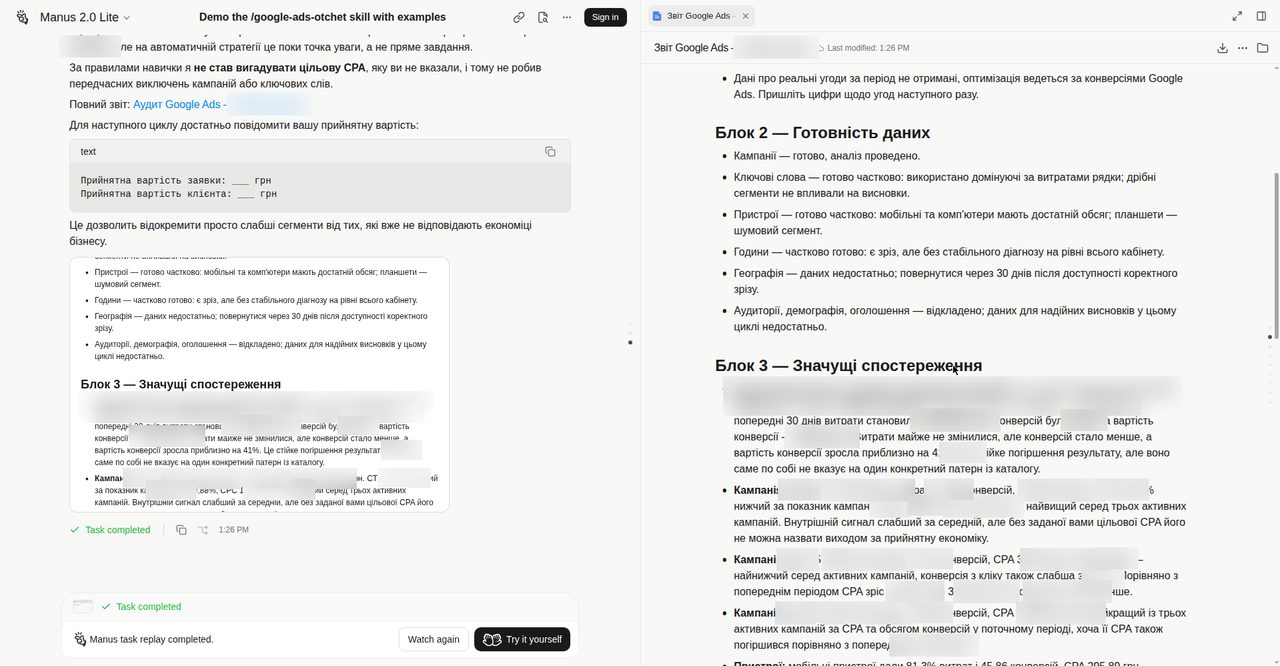
Block 4 — Cross-patterns
Patterns visible across several data slices at once: findings confirmed simultaneously by campaigns, keywords and devices.
Block 5 — What to do now
A maximum of two priority actions "right now". The skill deliberately caps this list at two items so the report ends with actions, not musings.
Block 6 — Defer to the next cycle
Decisions that lack sufficient data for now. The skill doesn't guess — it honestly moves them to the next cycle, stating exactly which data was missing.
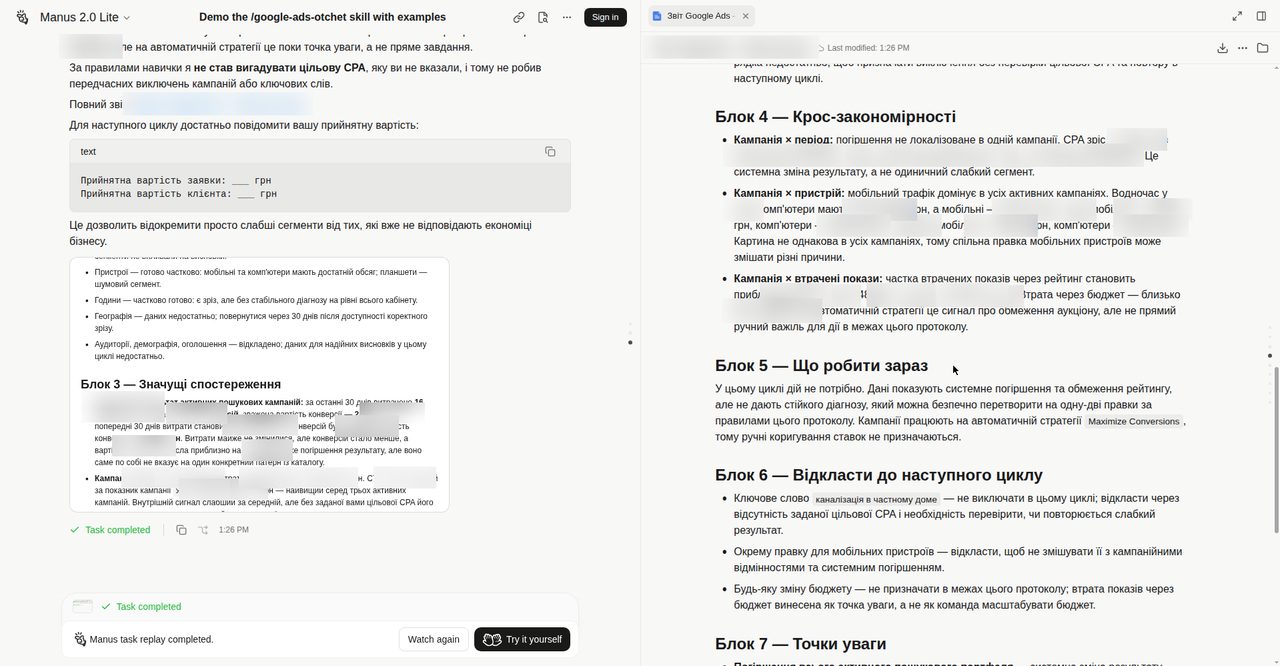
Block 7 — Watch points
The early-warning zone: whole search portfolio deteriorating, below-average campaigns, impression loss due to rank, keywords showing signs of pure waste. For the Google automation checks worth keeping an eye on, also see AI Max in Google Ads: what to check.
Block 8 — Rhythm of next checks
The next cycle's schedule: what to re-check and when — campaigns, keywords, devices, lost impressions, geography and audiences. For regular semantic cleanup, the search terms breakdown will also come in handy.
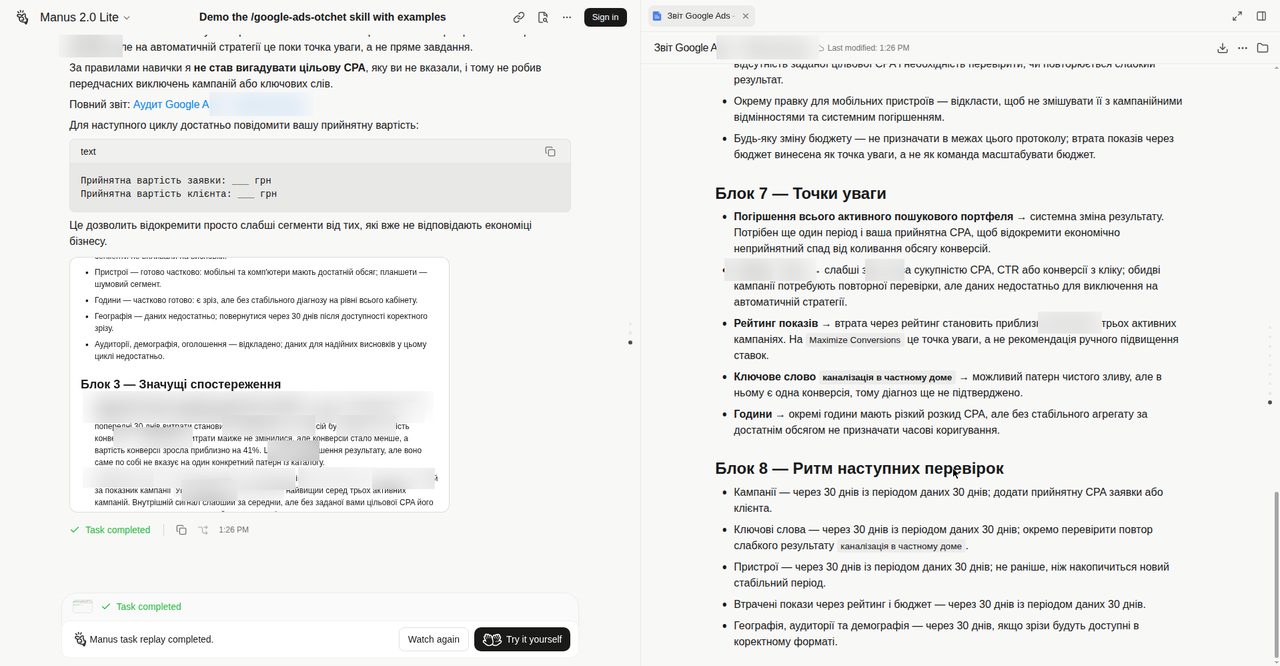
The report closes with a final verdict and the full report file attached. And for the next cycle, all you need to report is your acceptable cost per lead or per client — Manus gives you a ready two-line template.
Sources
- Manus Skills documentation: installation, GitHub import, slash-command use
- Google Ads API documentation
- google-ads-otchet skill repository (GitHub, MIT)
About the author
Ievgen Kovalevskyi — building websites and advertising since 2009; for the last 3 years, artificial intelligence. I create full multi-agent systems that replace entire departments in businesses and for experts.