When you do not need AI for a conversation
Some tasks do not need a new answer every time. They need the same small decision repeated many times: is this lead hot, is this review a complaint, does this phrase belong to a category?
A person can work through such a list manually. On the tenth record, the rules are still clear. By the two-hundredth, they start to drift. One edge case feels similar to the last one; another suddenly gets judged by a different standard.
That is where Jev becomes interesting to me. Not as another chat that needs its context explained each time, but as a narrow judge for a stream of similar records.
What Jev is, without the wrapping
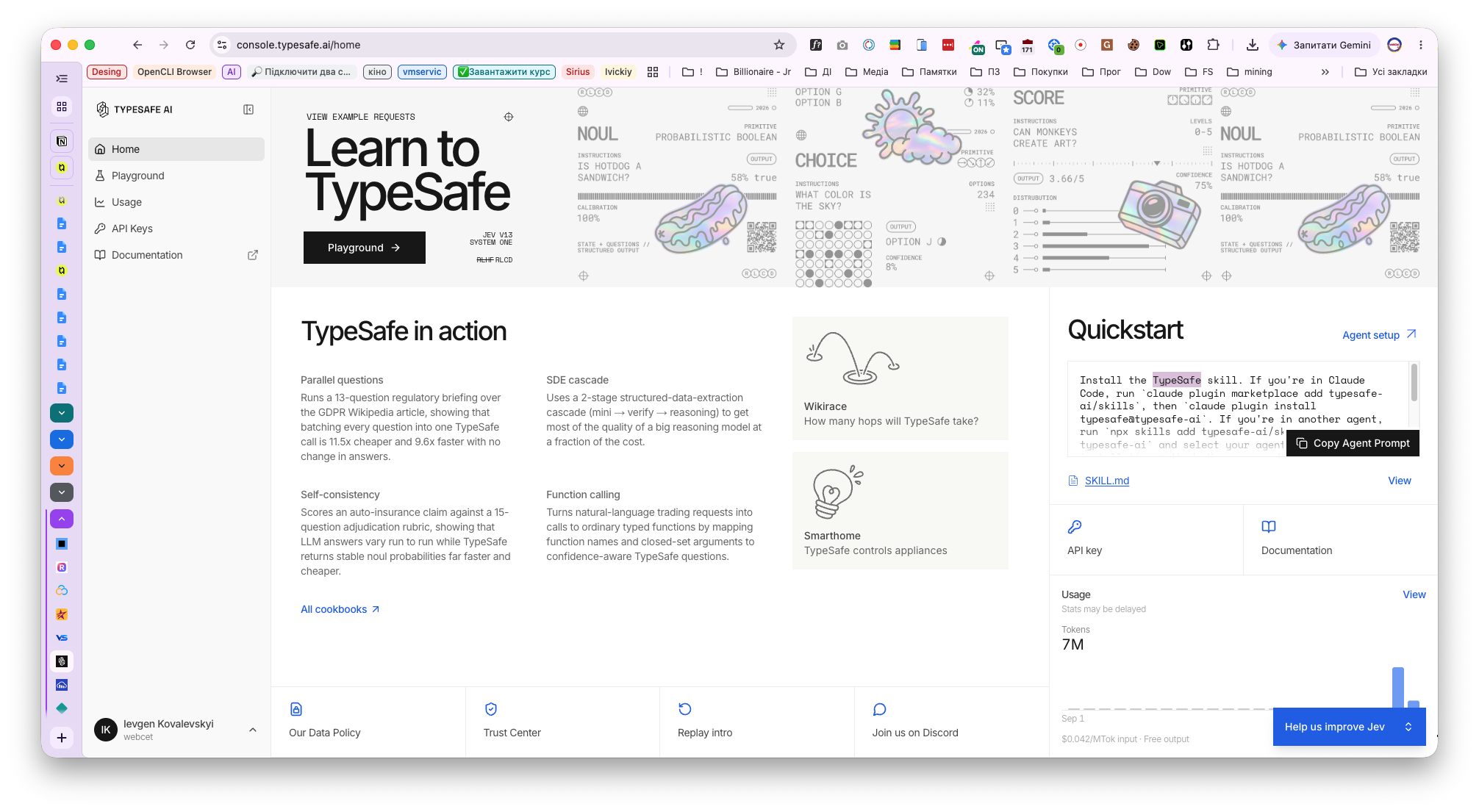
Jev is TypeSafe’s flagship System One model. It receives a described state and returns a structured answer: a class, a score, or a probability. It does not write articles, code, or an explanation of its reasoning. This is how TypeSafe describes System One.
The difference from a general language model is simple. A strong LLM can talk, write, and form an idea from scratch. Jev works when the answer needs to fit a defined shape.
For every row, the question is not “what do you think about this?” It is specific: is this lead qualified, warm, or noise? Should this review go to a manager? Does this answer from another model contain a made-up fact?
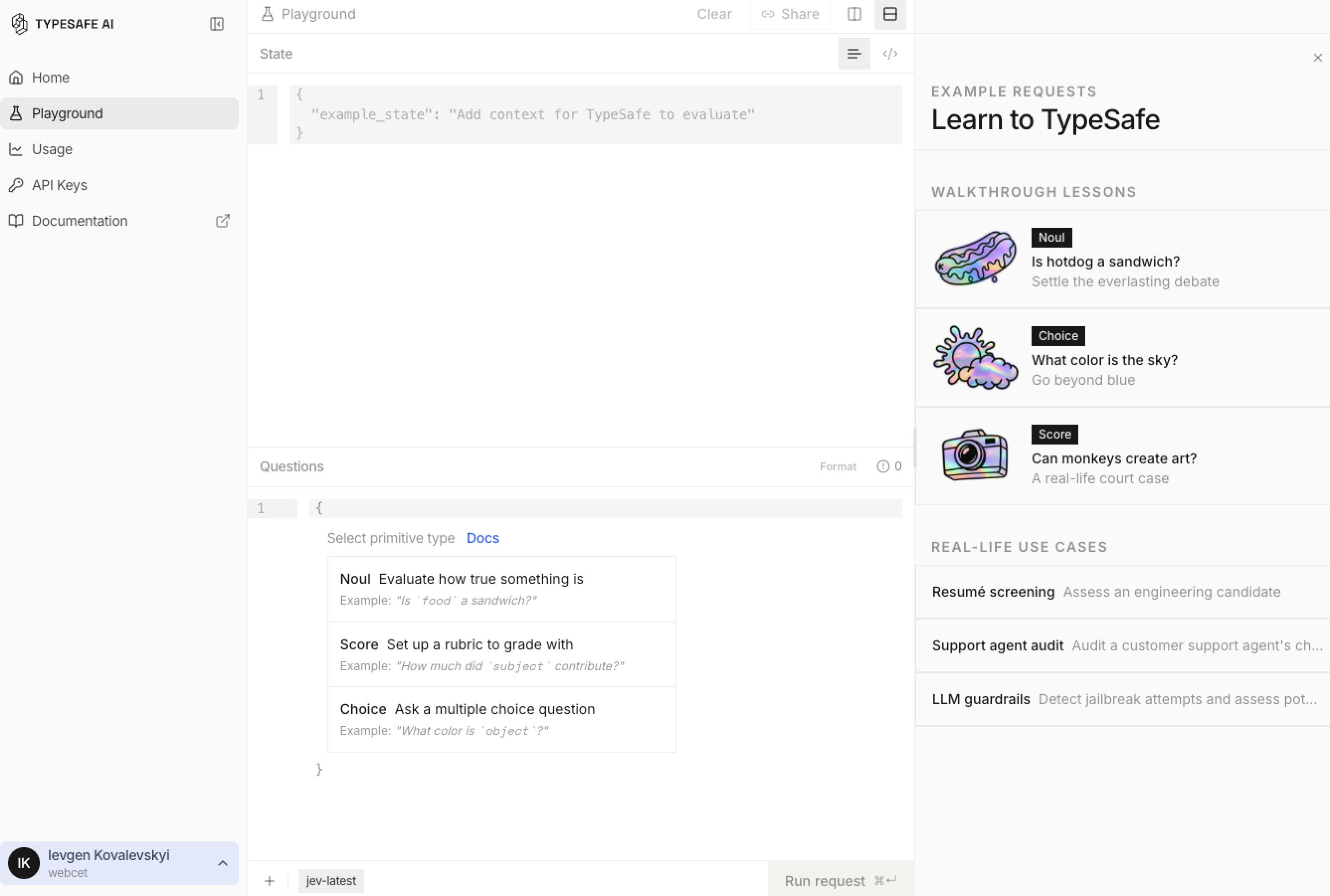
TypeSafe has three basic primitives:
- Choice selects one option from a defined set.
- Score rates something on an ordered scale.
- Noul answers yes/no with the probability that the answer is yes.
Choice and Score also expose confidence. Low confidence does not mean the model is bad. It often means the case itself is ambiguous, or the boundary between classes is still unclear. TypeSafe primitives · confidence.
Where it makes sense
Not when you need polished prose. And not when an ordinary code rule would do the job in two lines.
Jev is useful when there are already many similar records and you can explain the rule to another person. Leads: hot, warm, unqualified. Reviews: complaint, question, thanks. Headlines: publish or rewrite. AI answers: fact supported, invented, or insufficient evidence.
In my own workflow, I use this approach both to choose an appropriate skill before a non-trivial task and to run high-volume semantic checks. The point is to define a rule clearly once, test it, and stop repeating the same manual work for every row.
Calibrate first, then run the full set
The risky part is not the run itself. It is assuming that a question is clear to the model because it sounds clear to you.
- Define one decision that repeats for every record.
- Describe classes so they do not overlap.
- Label 30–60 varied examples by hand.
- Run them as a control sample.
- Inspect where the rule failed and clarify the rule itself.
- Only then run the full set and review edge cases separately.
Without a human-labelled sample, you cannot tell whether the model is wrong or whether you have not defined a correct answer.
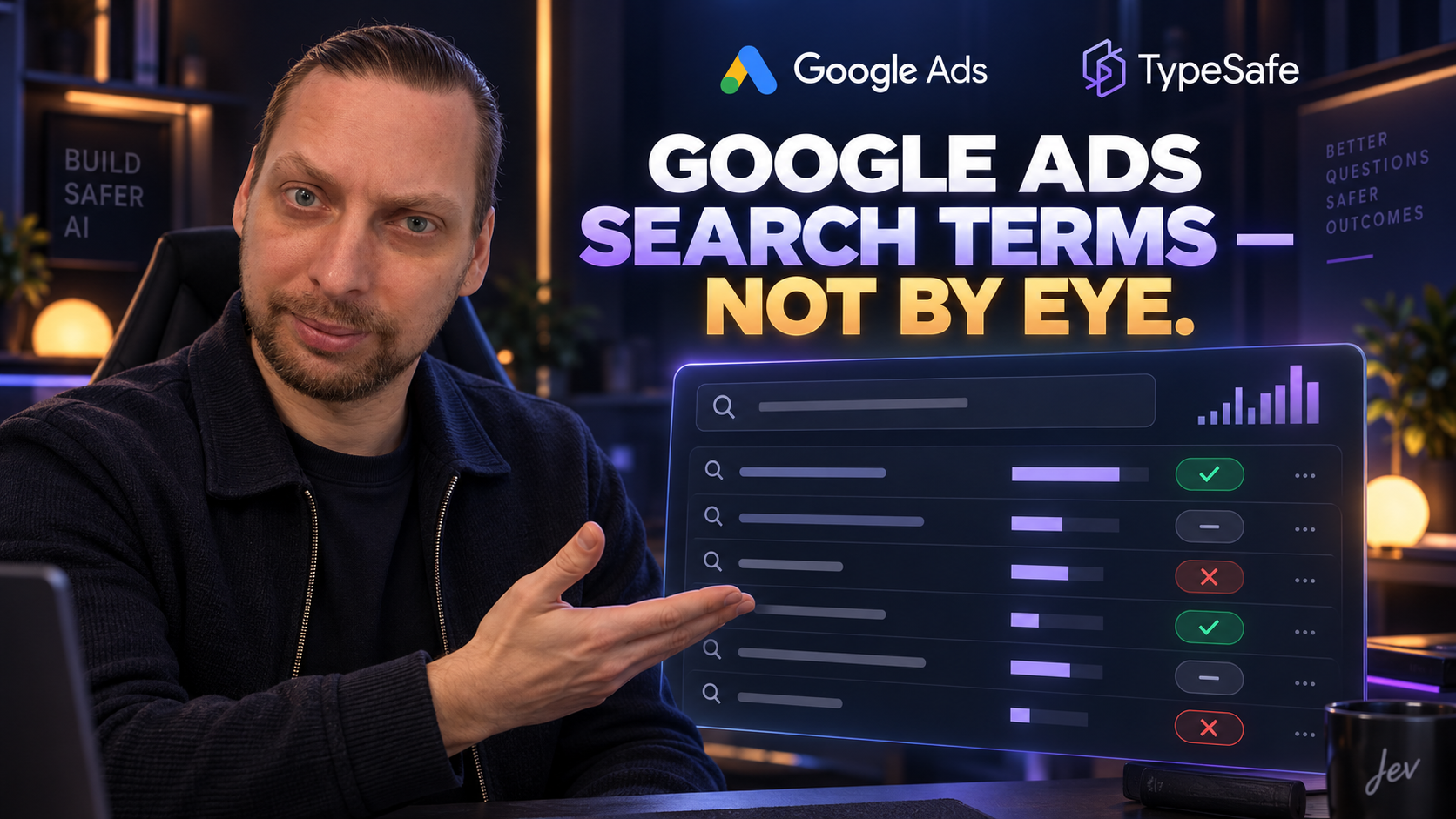
A short practical example: I took a test set of search terms for a hypothetical water-delivery service and asked Jev to classify intent and the risk of adding a negative keyword. On 30 labelled examples, the first version of the rules scored 83.33% and 73.33%. The second improved, but one boundary was still vague. After I added priorities and examples for edge queries, version three reached 93.33% and 100% on that control set.
The point is not Google Ads. The point is the process: if the result disagrees with your judgment, “almost good enough” is not good enough. Rewrite the rule and test it again. With a real search-term report, this can be part of a Google Ads audit, but the same principle applies to leads, reviews, and any other high-volume queue.
The human does not leave the loop
A run does not give you permission to change everything automatically. It gives you an ordered set of decisions and a separate queue for uncertain cases.
A person defines the classes, labels the control examples, looks at confidence, and decides what happens next. Jev removes repetitive sorting. It does not remove responsibility.
That matters most when an error is costly: money, reputation, or client data. Do not send data to an external service without the client’s permission. Where one wrong “yes” can hurt, a person remains the final check.
When Jev is not a fit
Not for three records that are faster to read yourself. Not for writing, calculations, or strategy. Not for a task where you cannot explain what a correct answer looks like.
And not for a process where a business rule is already simpler, cheaper, and more reliable as ordinary code.
Jev does not replace a strong model or turn AI into a free brain for the entire business. It has a narrower use: say “this / not this” many times according to a rule that a person has already tested.
Frequently asked questions
How is Jev different from a general LLM?
A general LLM writes, explains, and holds a conversation. Jev returns a defined structured decision for every similar record: a class, a score, or a probability.
Can Jev run without a person?
A repetitive run can be automated after calibration. A person still needs to define the rule, check examples, and retain decisions about uncertain or risky cases.
How do I start without a large project?
Choose one queue with dozens of similar records. Write one narrow criterion and label 30–60 examples by hand. If the rule does not hold on that sample, do not scale it.
When should I not use Jev?
When the task is one-off, when you need to write new text, when the rule is easier to implement in code, or when the cost of an error outweighs the value of automation.
How to get access to Jev
If you want to try Jev on your own task, contact me through the site contact page and mention that you need a promo code and a short TypeSafe/Jev installation guide. I will send the current access terms separately. Do not publish API keys or other secrets openly.
The basic order is: install the supported TypeSafe environment, add access using the official instructions, create one narrow rule for one type of decision, check a control sample by hand, and only then run the batch. The current documentation is in the TypeSafe Agent Skill.
In Google Ads, the practical flow can be simple: open the Search terms report in the ad account, export the rows for the required period, and give Jev only the necessary fields — the term, campaign, ad group, impressions, and spend. A person defines classes such as “target query”, “uncertain”, and “negative keyword”, labels control examples, and checks low-confidence results before changing keywords or negative keywords.