You invest in advertising, content, or referrals. People visit your website. Some read, review your services, and may even reach the form. But you receive fewer leads than you expect.
In this situation, people usually start thinking about advertising: they change creatives, increase the budget, or look for a new channel. Yet the problem may already be on the website.
A visitor may arrive but not understand exactly what you offer. They may not see a button. They may not believe you have completed similar projects. They may not know when they will receive a response. Or they may submit a form and receive no confirmation at all.
Each of these things may seem minor on its own. Together, they determine whether your website helps generate enquiries or simply occupies a place in search results.
Below are 20 points you can check yourself. Open your website in a separate tab and work through the list one by one.
First, check whether your website has a path to an enquiry
A visitor should not have to search for what to do next. The path should be simple: a clear offer, a button, a form, confirmation, and a response.
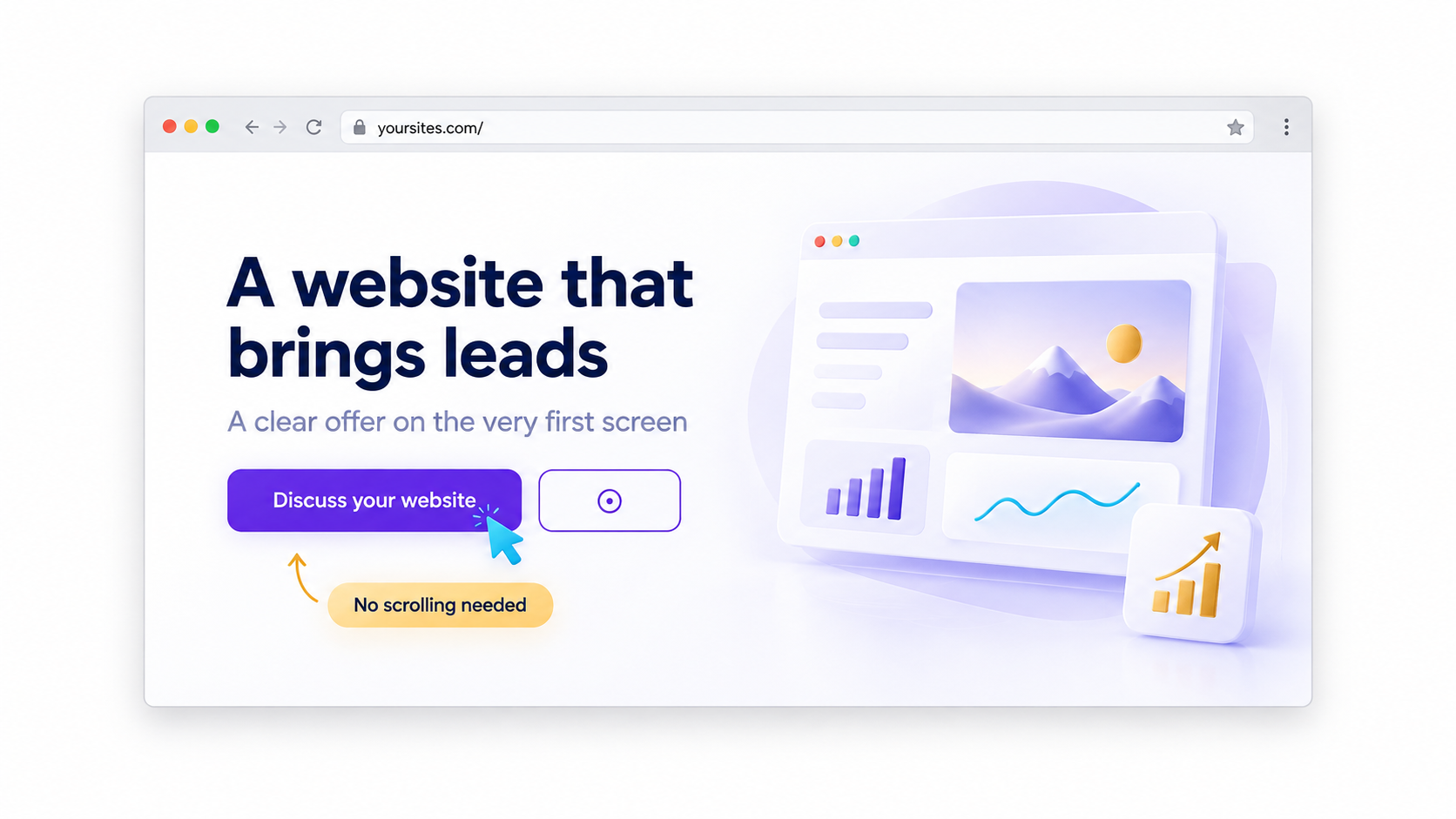
1. A call-to-action button on the first screen
Open your homepage and do not scroll. Within a few seconds, it should be clear what you do and where to click.
A button such as “Book a Consultation,” “Request a Quote,” or “View the Catalogue” gives the visitor a next step. “Learn More” without an explanation does not.
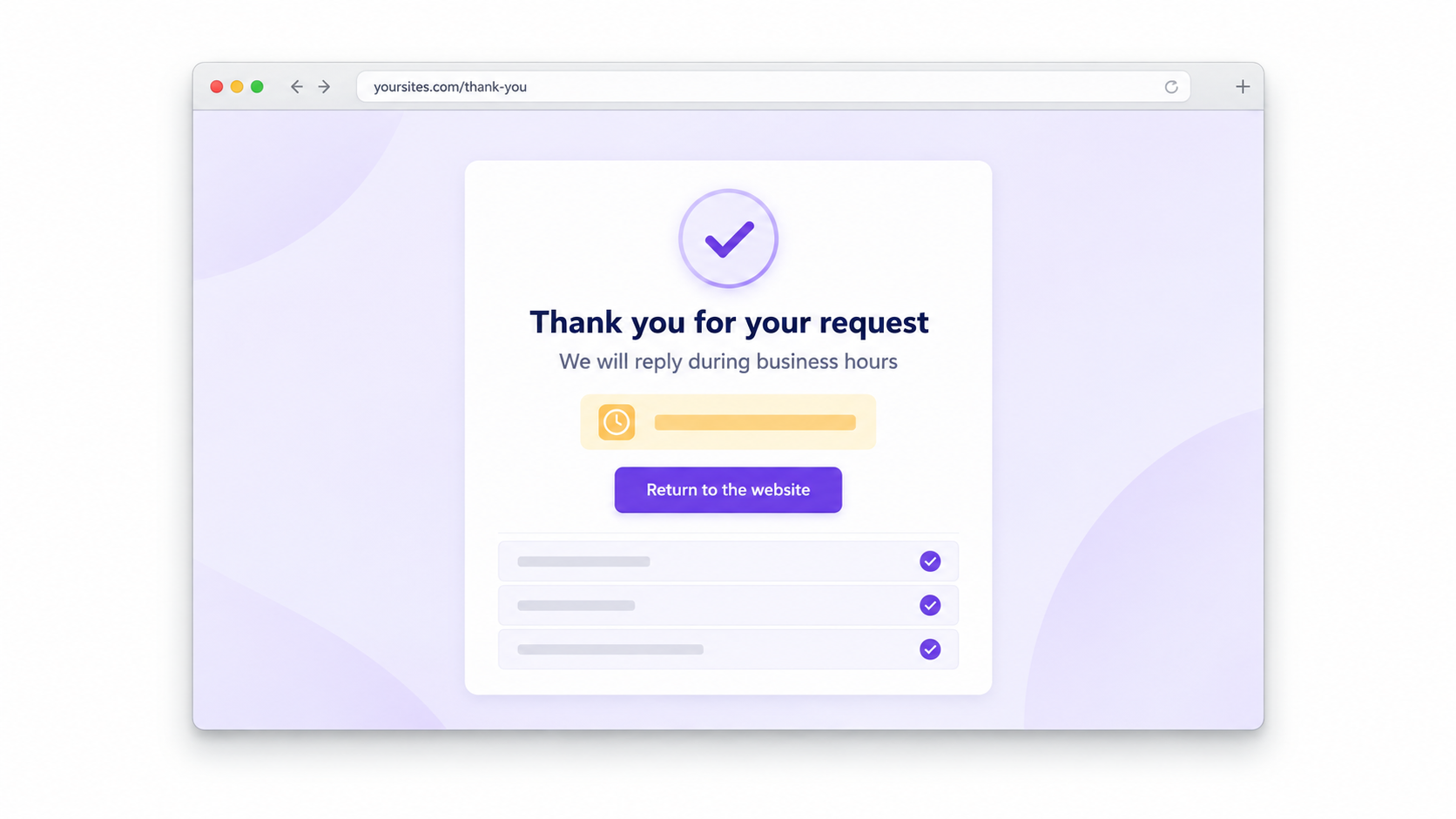
2. A page after form submission
After clicking “Submit,” a visitor should see confirmation. It is best when this is a separate page with a simple explanation: the enquiry has been received, what happens next, and when to expect a response.
If the form simply clears, the visitor does not know whether it worked. They often do not wait and start looking for another company.
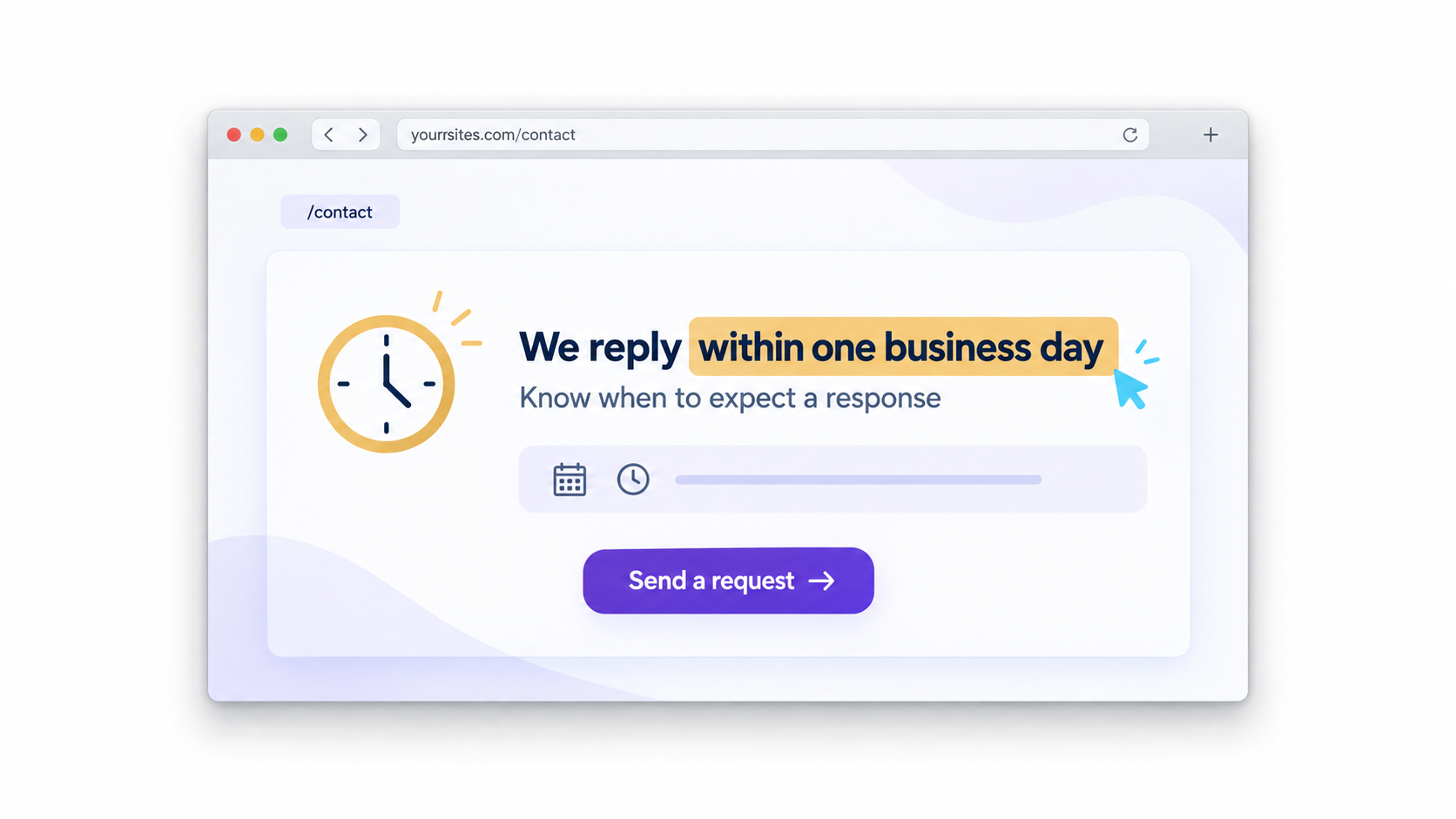
3. An honest response time
State on the form, thank-you page, or contact page when you respond. Do not make a polished promise; describe how your team actually works.
For example: “We reply during business hours” or “We will contact you during the day.” This way, the visitor does not have to wonder whether anyone has seen their enquiry.
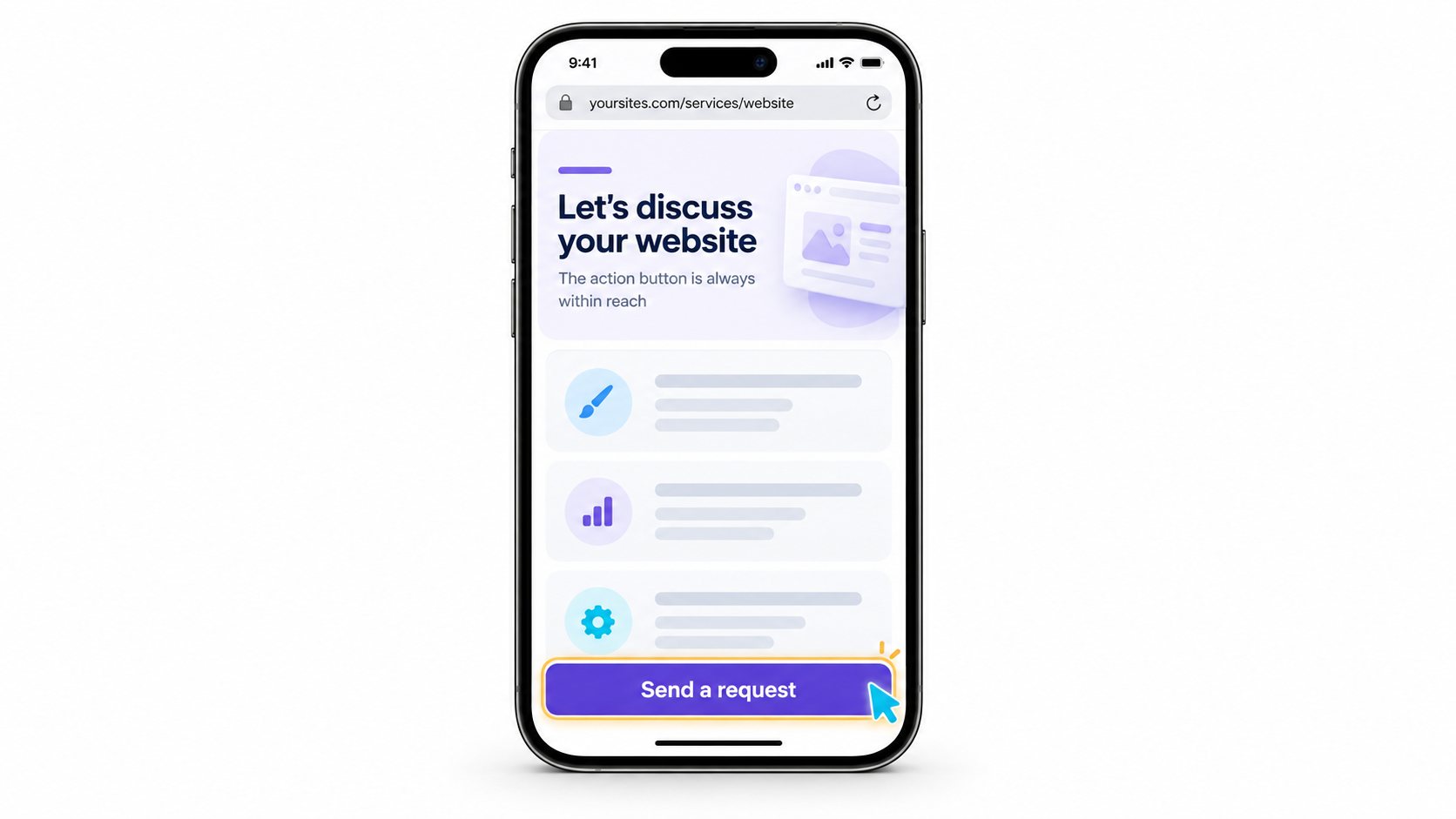
4. A button on mobile
Many people view your website on their phone. Open it on your smartphone and scroll to the middle and lower parts of the page.
On a long page, a button such as “Leave an Enquiry” or “Write to Us” can remain at the bottom of the screen. It should be convenient to use and should not cover text or the form.
Then give visitors a reason to contact you specifically
Your website should not persuade with loud claims. It should show real work, answer ordinary questions, and remove unnecessary uncertainty.
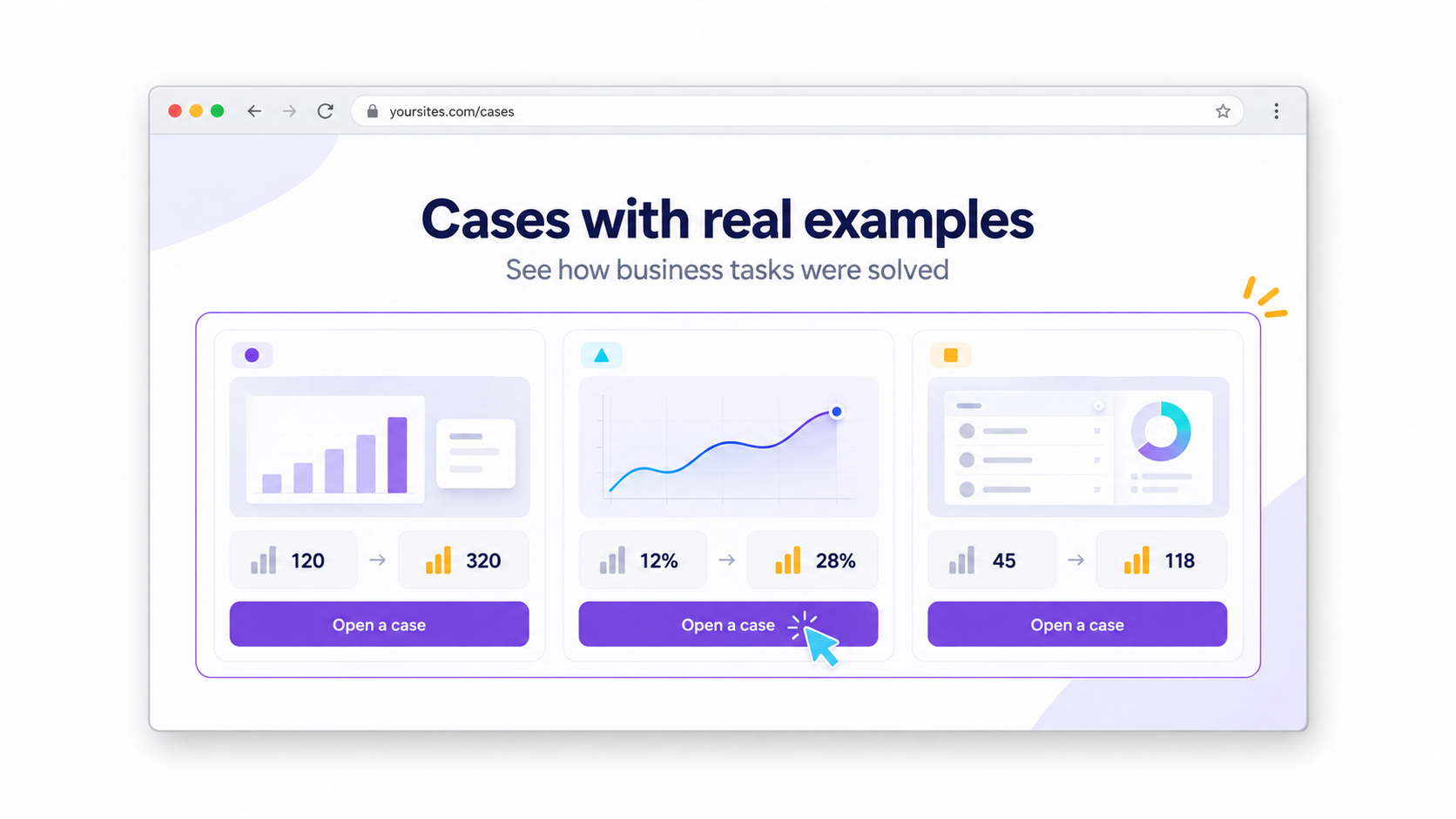
5. Real case studies
In the “Case Studies,” “Work,” or “Portfolio” section, show real examples: what task the client came to you with, what you did, and what result can be seen.
If you cannot name the client, you can anonymise the case study. But do not add stories that never happened.
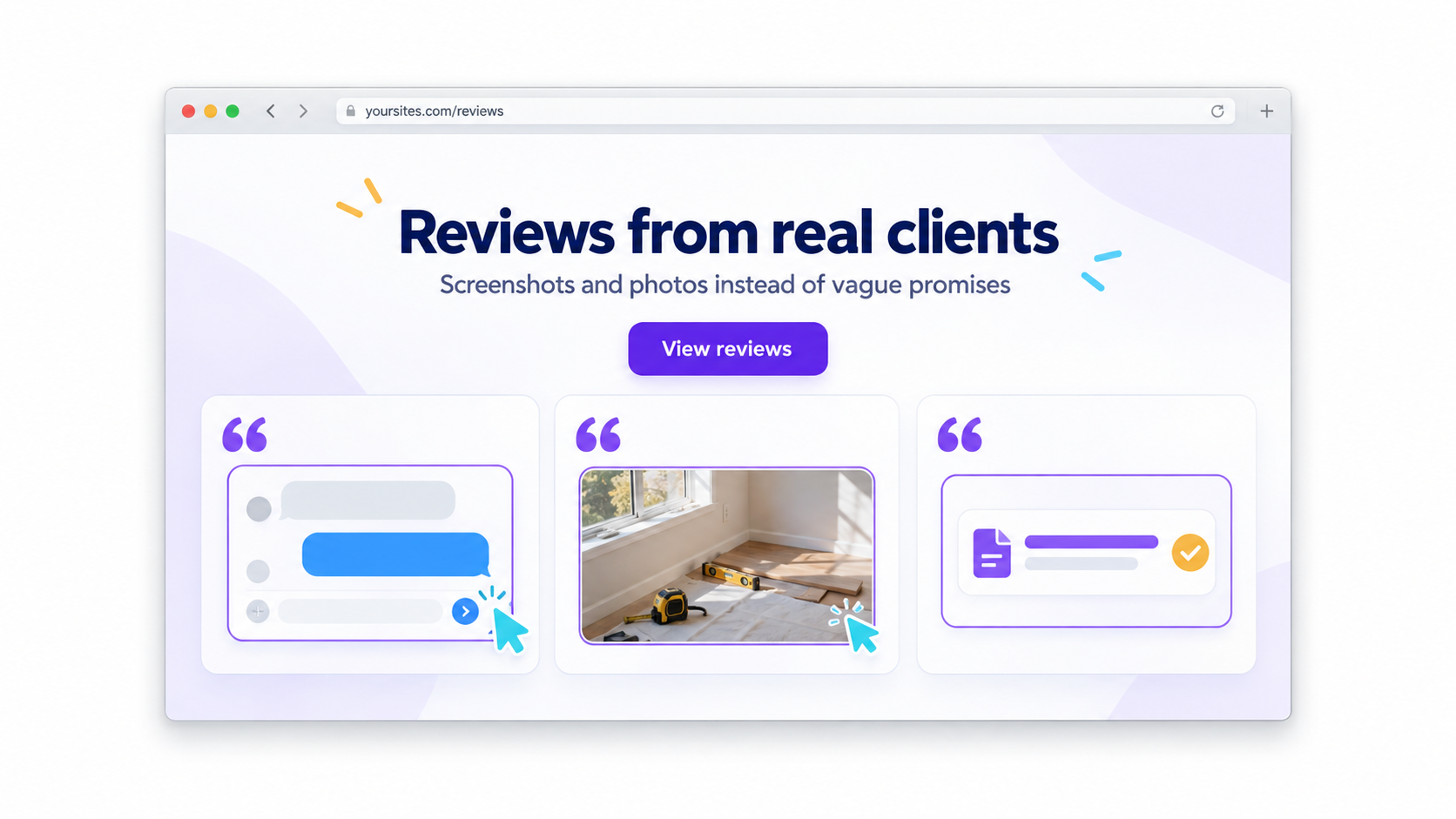
6. Genuine reviews
A review builds trust when it is clear where it came from: a screenshot of a conversation, a link to a profile, or a real photo, if you have the person’s permission.
You do not need a hundred reviews. A few genuine ones work better than a page of identical texts.
7. Photos of your team
If your website has an “About Us” or “Team” page, show the people who actually work with clients.
The photos do not have to be studio shots. What matters is that they show you and your team. If you work alone, use your own photo.
8. Answers to questions before a call
Before contacting you, people usually want to understand how to get started, what to prepare, how long the work takes, what the service includes, and how payment works.
Collect at least five such questions on the service page. Keep the answers brief and to the point. This does not replace a conversation, but it helps the visitor take the first step.
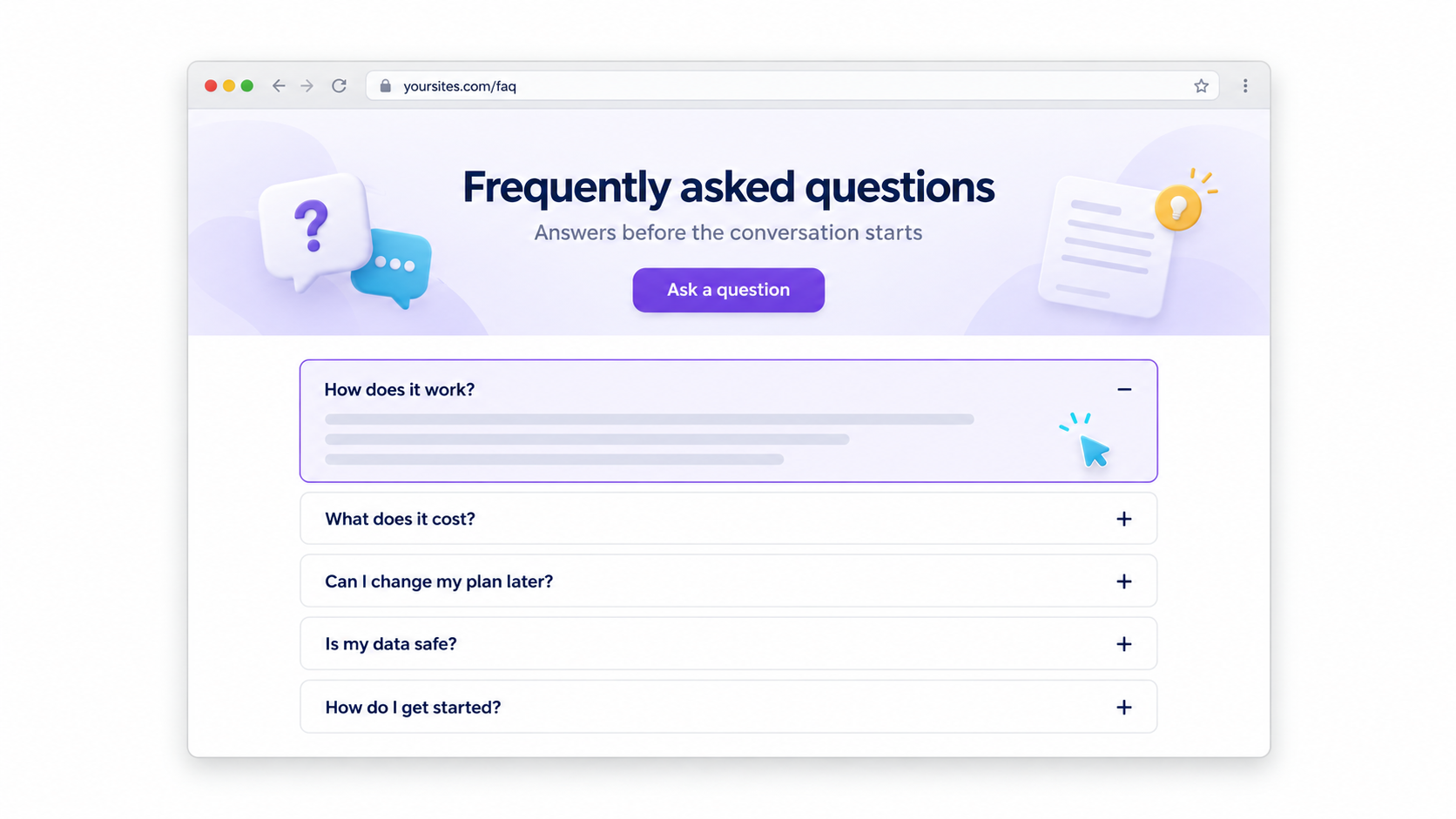
Do not lose visitors inside your website
Even good copy does not help if there is nowhere to go after reading a page or if a link leads to an error.
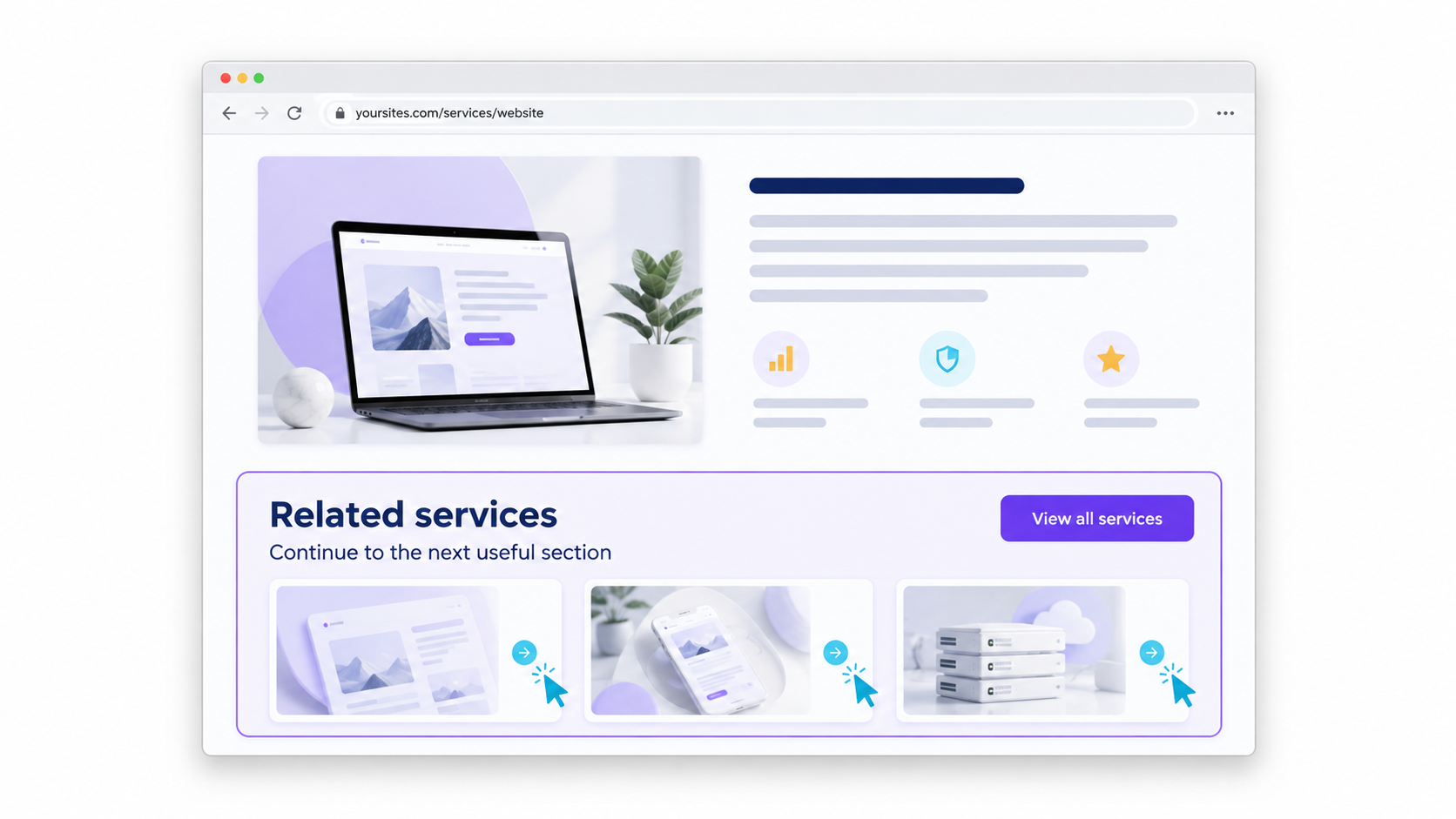
9. Links between pages
A service page should link to case studies, other services, contacts, or a useful article. Check the menu, buttons, and “Read Also” blocks.
When visitors can move through the website logically, they do not have to start their search again each time.
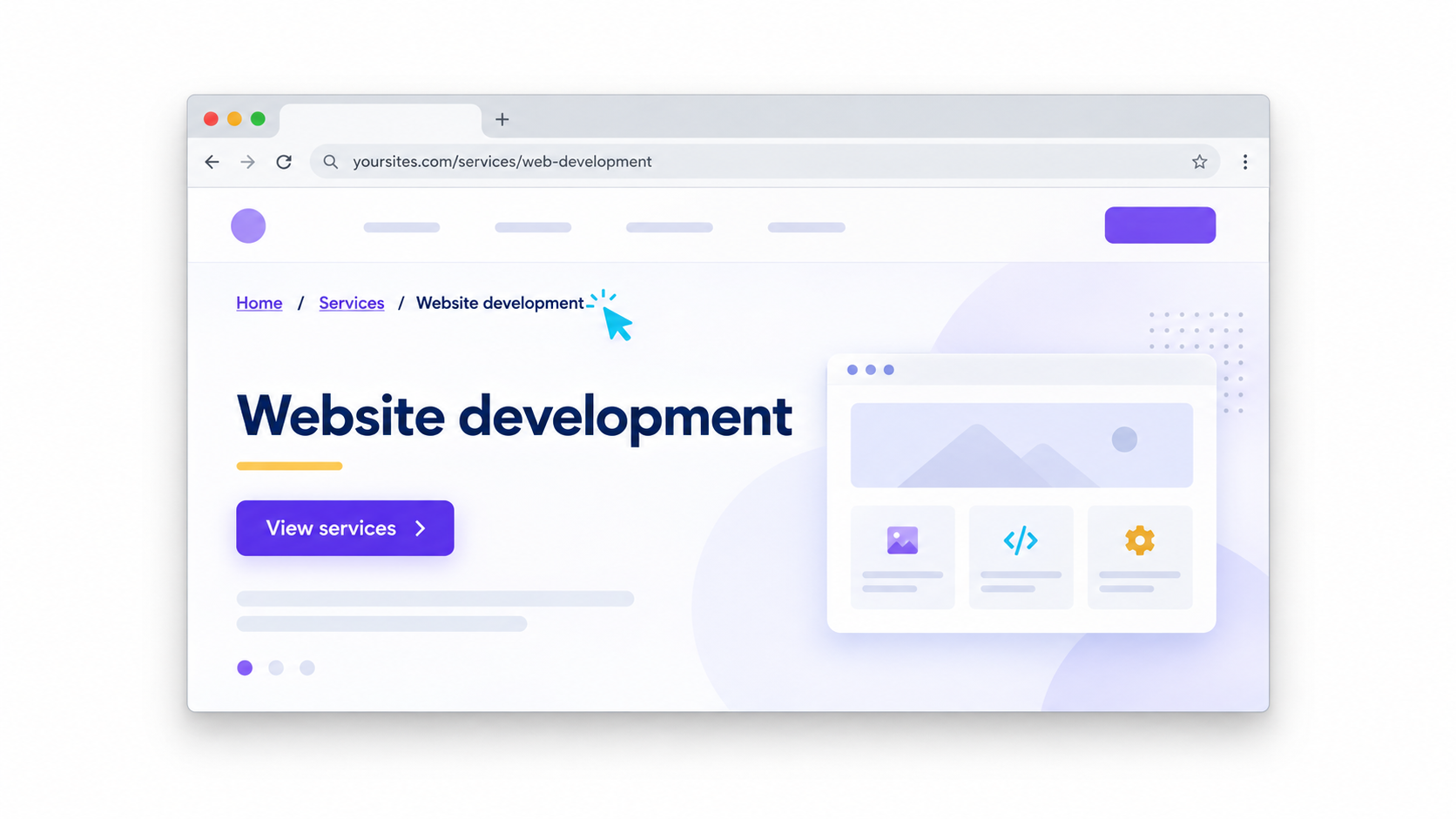
10. Breadcrumbs
On a website with several sections, a line such as “Home / Services / Website Development” is useful. These are breadcrumbs.
They show visitors where they are and let them go back up one level. Open an internal page and check whether you have to return to the homepage to find another section.
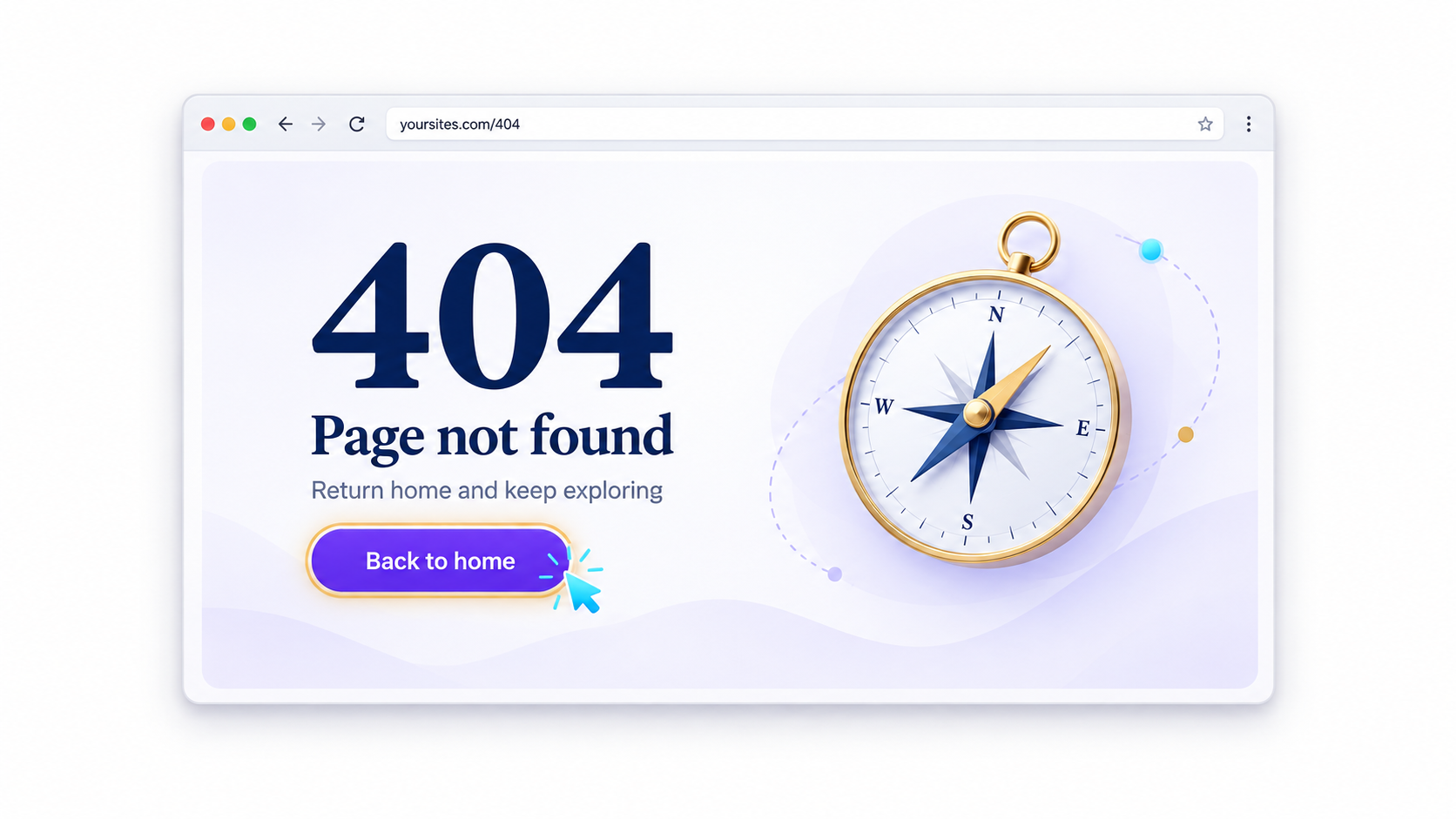
11. A 404 page
Enter a made-up address in your browser: вашсайт.com/perevirka-404.
If you see a standard hosting error, create your own page: briefly explain that the address does not exist and add buttons leading to the homepage, services, or contacts.
Help search engines and social media understand your website
Some of the items below are not visible to regular visitors. But they affect how your pages are found in search and how your link appears in messengers.
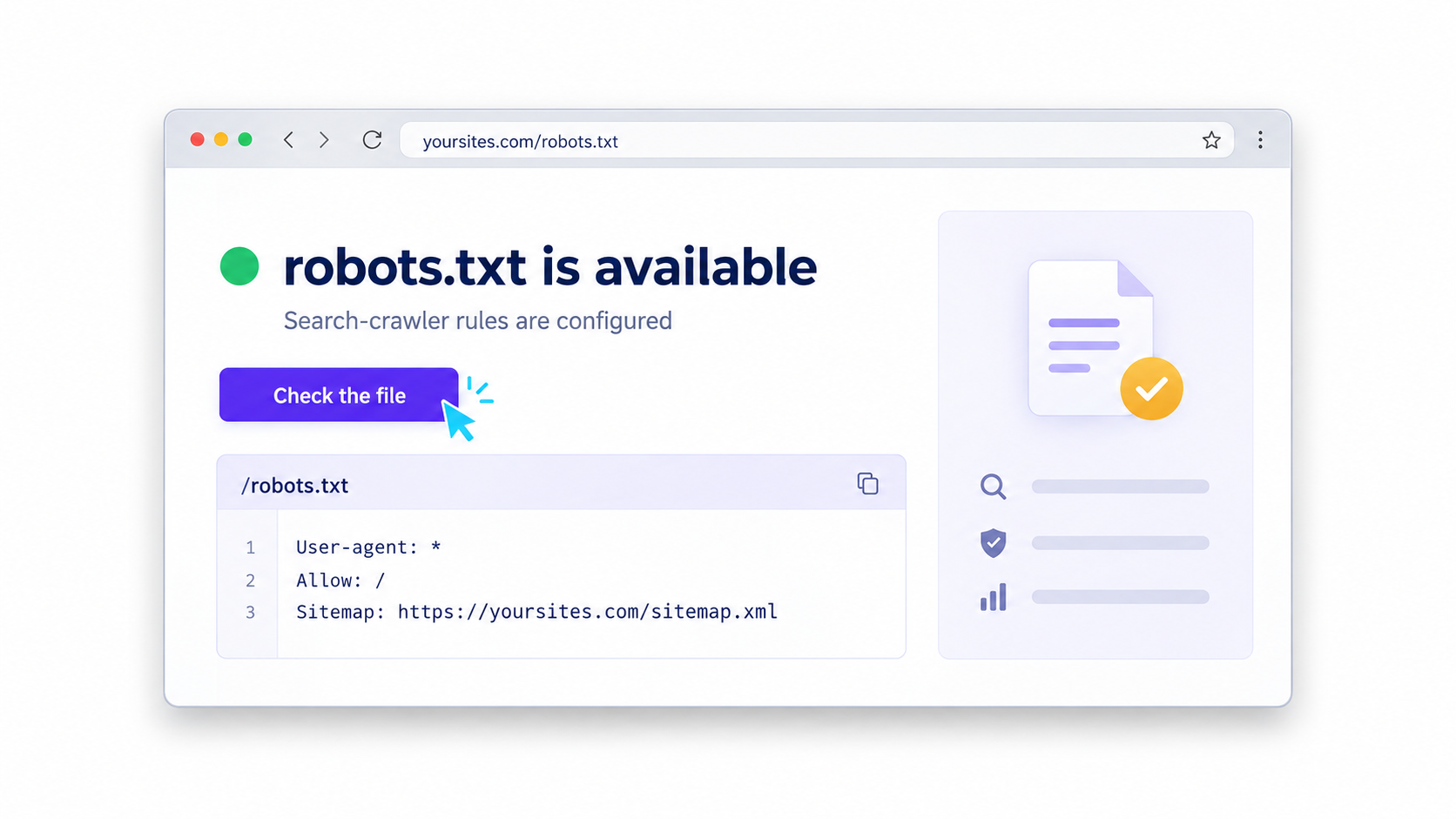
12. robots.txt
Go to вашсайт.com/robots.txt.
This file contains rules for search crawlers. If it is configured incorrectly, important pages may not appear in search. Google explains how robots.txt works.
If you do not understand the file, it is enough to check that it opens, then ask a developer or SEO specialist to review it once.
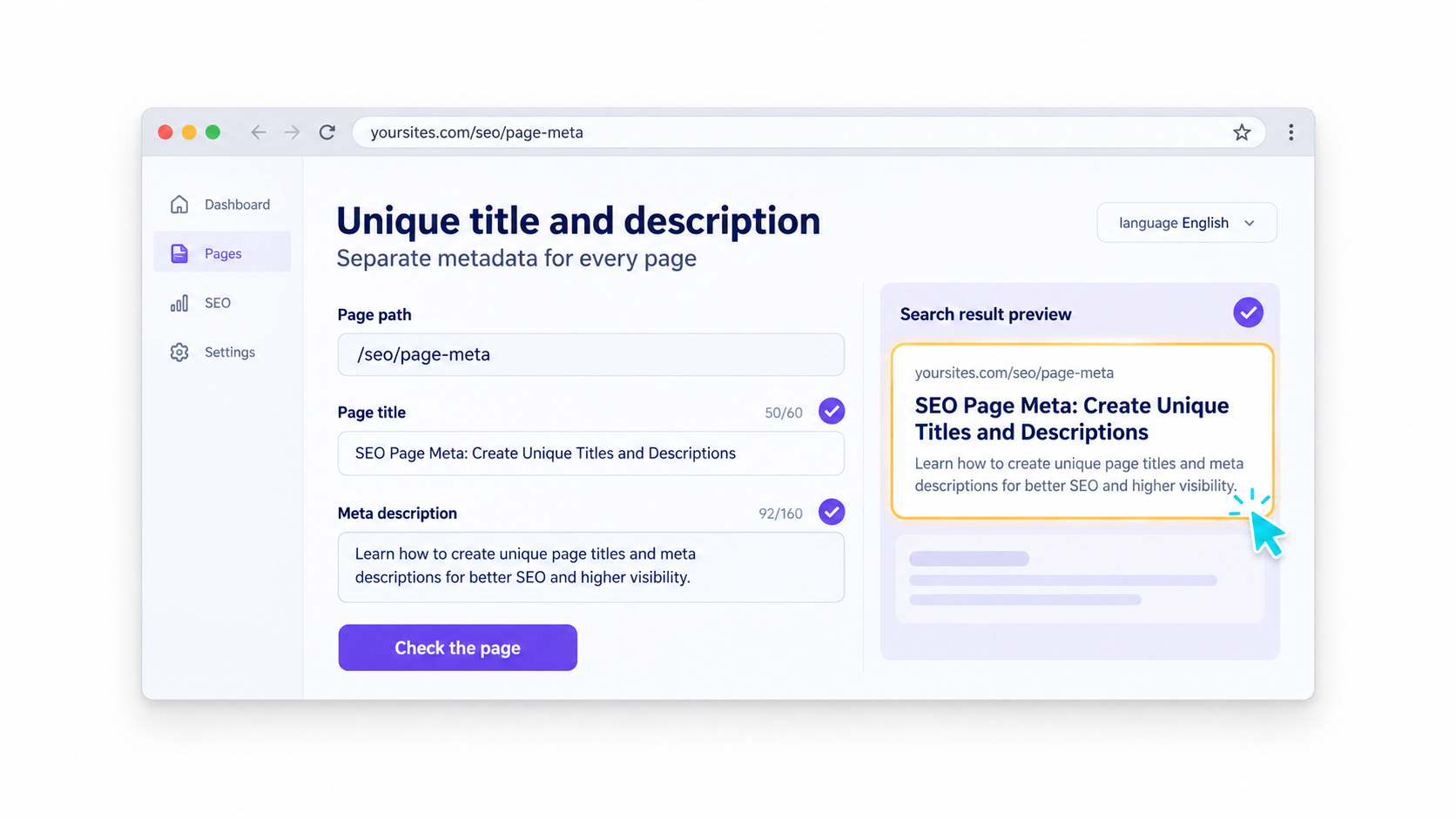
13. A title and description for every page
Open different pages on your website and look at the tab titles in your browser.
A service page, contact page, and article should each have their own title and short description. These are often what people see in Google before visiting your website.
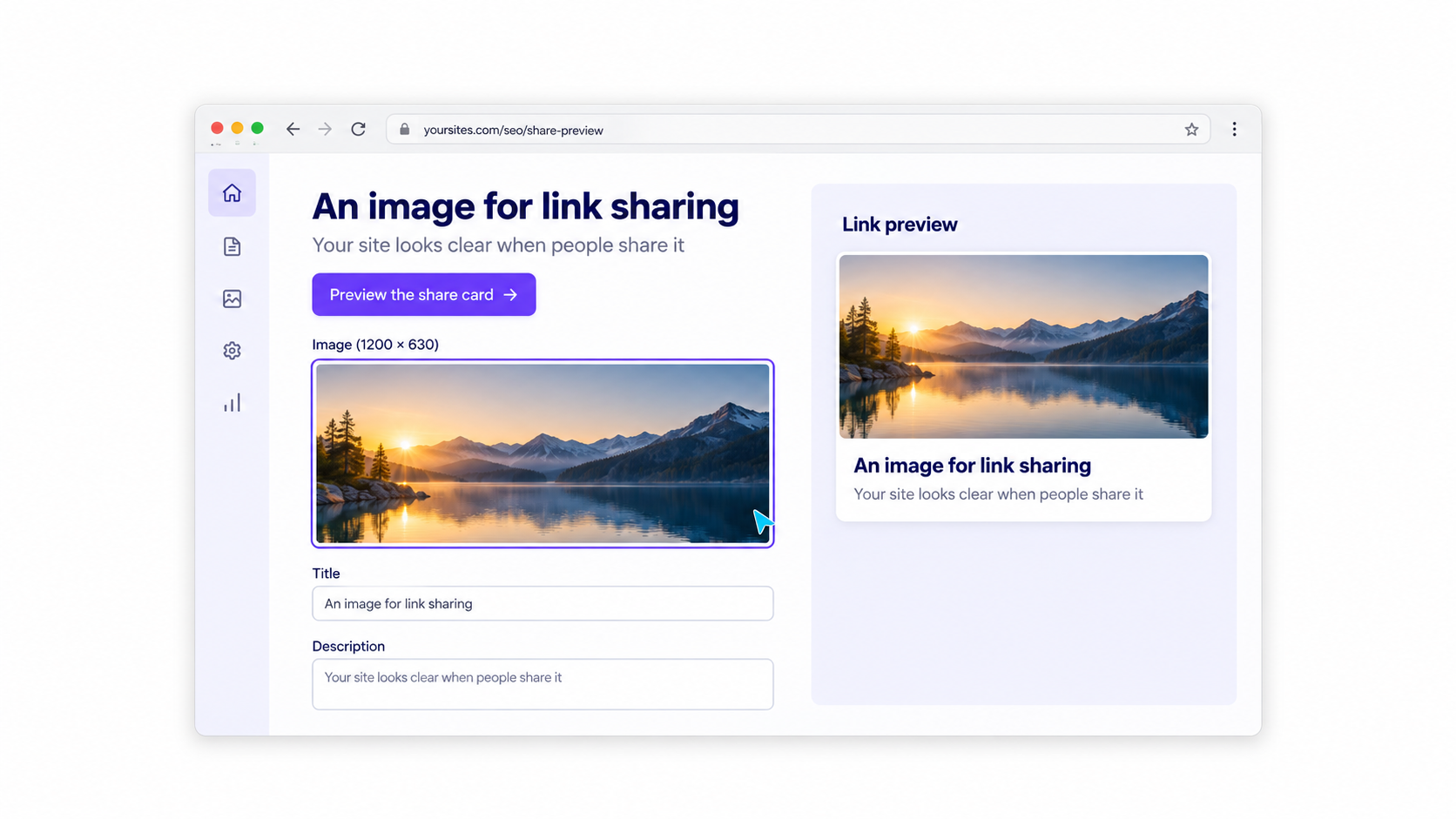
14. An image when sharing a link
Copy a link to your homepage or an important page and paste it into a draft message on Facebook or Telegram.
An image, headline, and short description should appear. If you see an empty block, an old image, or another page’s content, check the Open Graph tags. They are described at ogp.me.
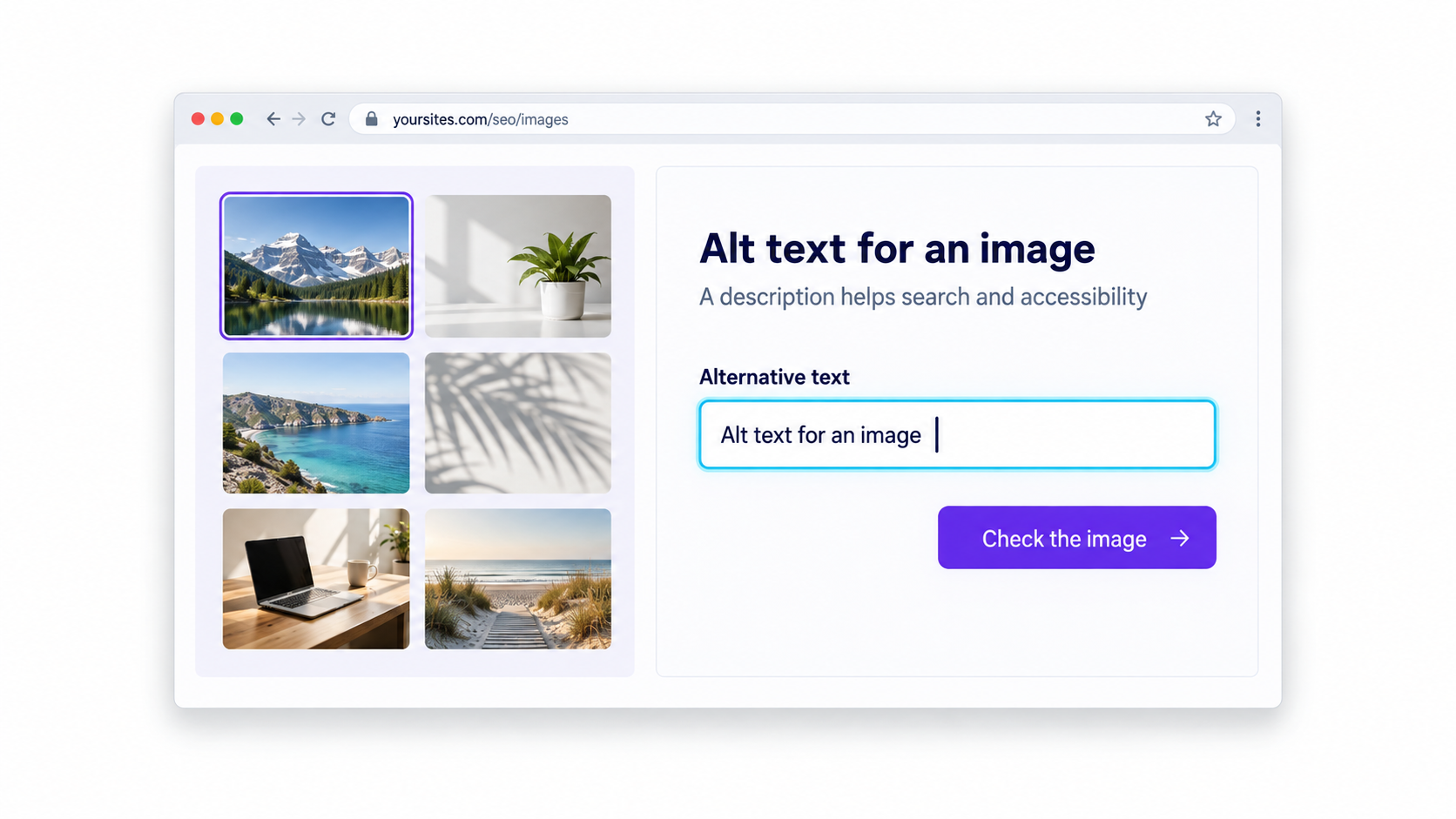
15. Alt text for images
Alt text is a short description of an image in your website’s code. It is needed by people who use a screen reader, and it helps Google understand the image.
Your CMS usually has a field called “Alt text” or “Alternative text.” Describe what is shown in ordinary words. For more details, see Google’s guide.
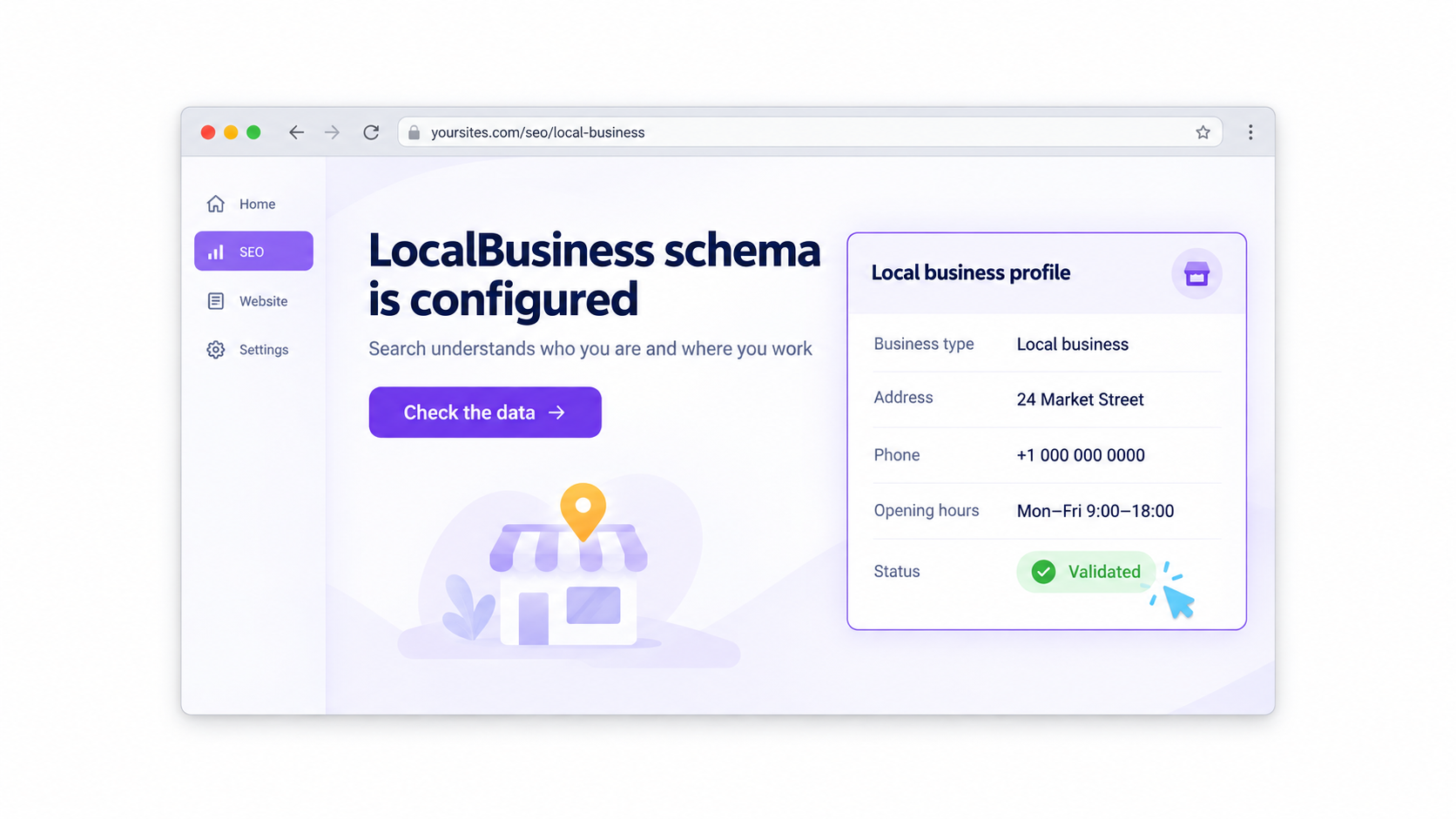
16. LocalBusiness schema
If you receive clients at a specific address, your website code needs LocalBusiness schema. This is markup that provides Google with your company name, address, telephone number, and business hours.
Ask your developer whether it is present on the website and whether the details match your contact information. The markup format and Google’s requirements are available at these links.
Make your website clear and safe
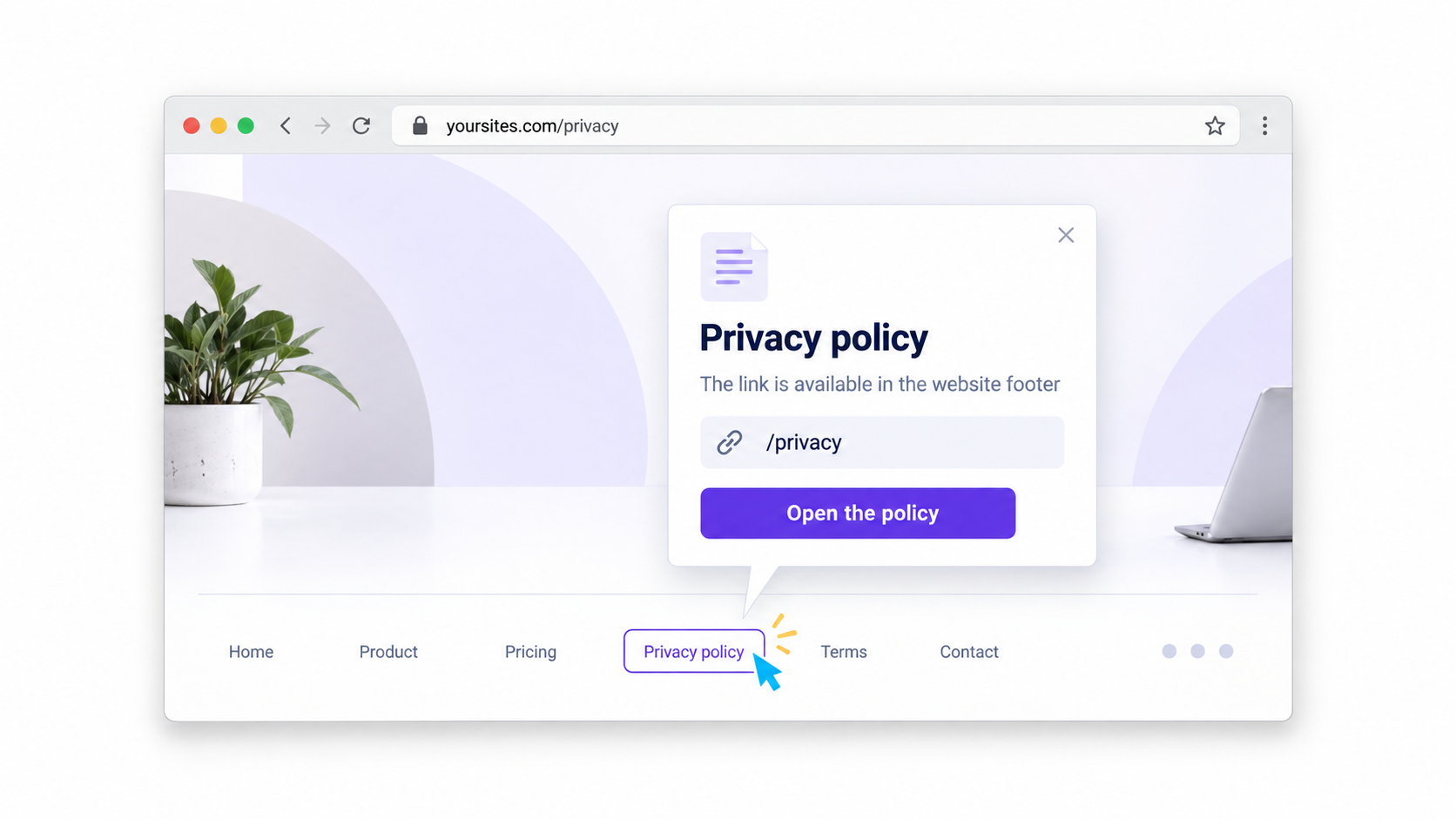
17. A privacy policy in the website footer
Scroll to the footer of your website. If you collect a name, telephone number, or email address through a form, there should be a link to a privacy policy.
Open it. Make sure the page exists and applies specifically to your website.
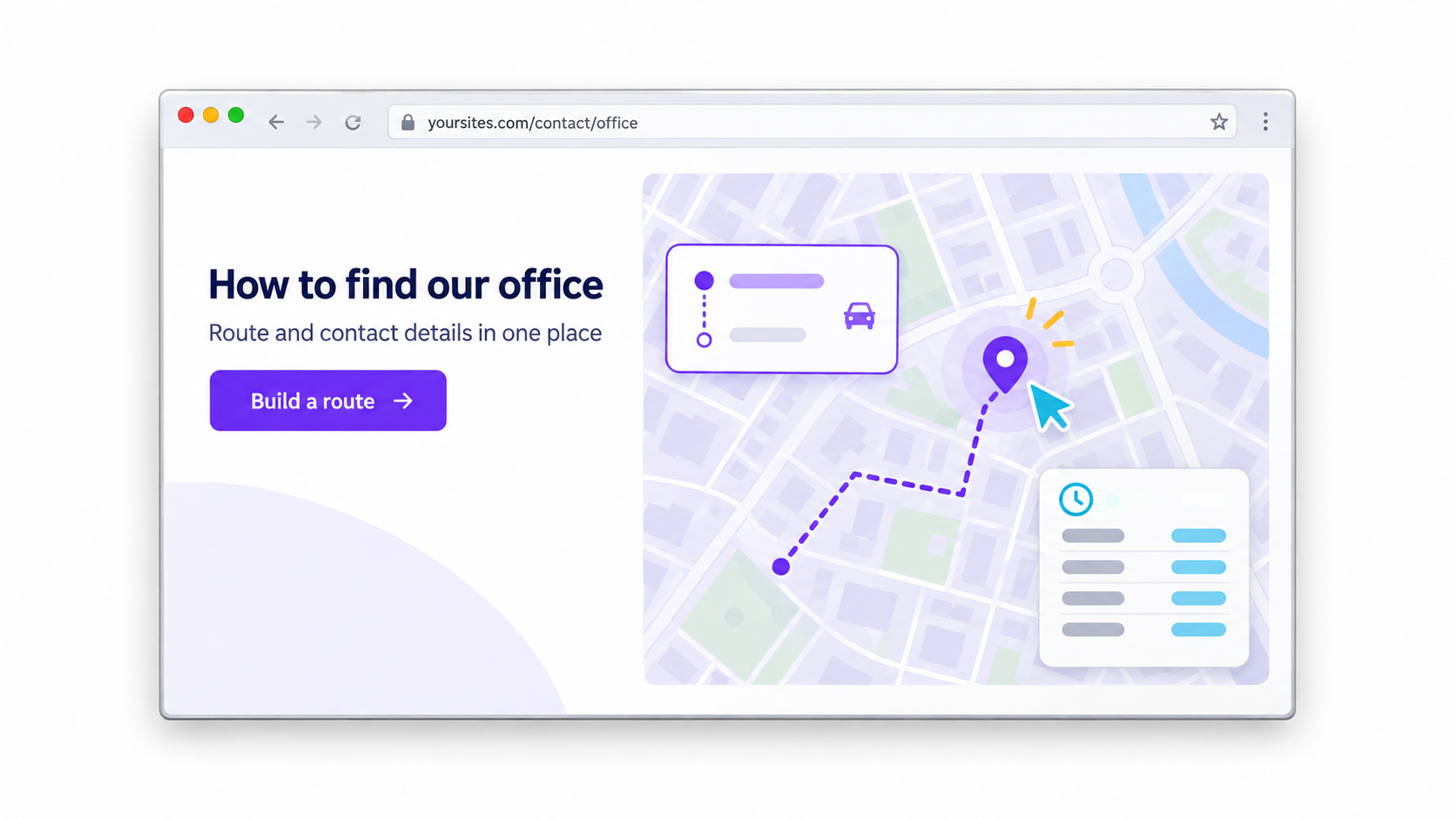
18. A map and directions to your office
This point is for offline businesses. Your contact page should include an address, a map, and an option to open directions.
Check this on your phone. Tap the address and make sure the map leads to the correct location.
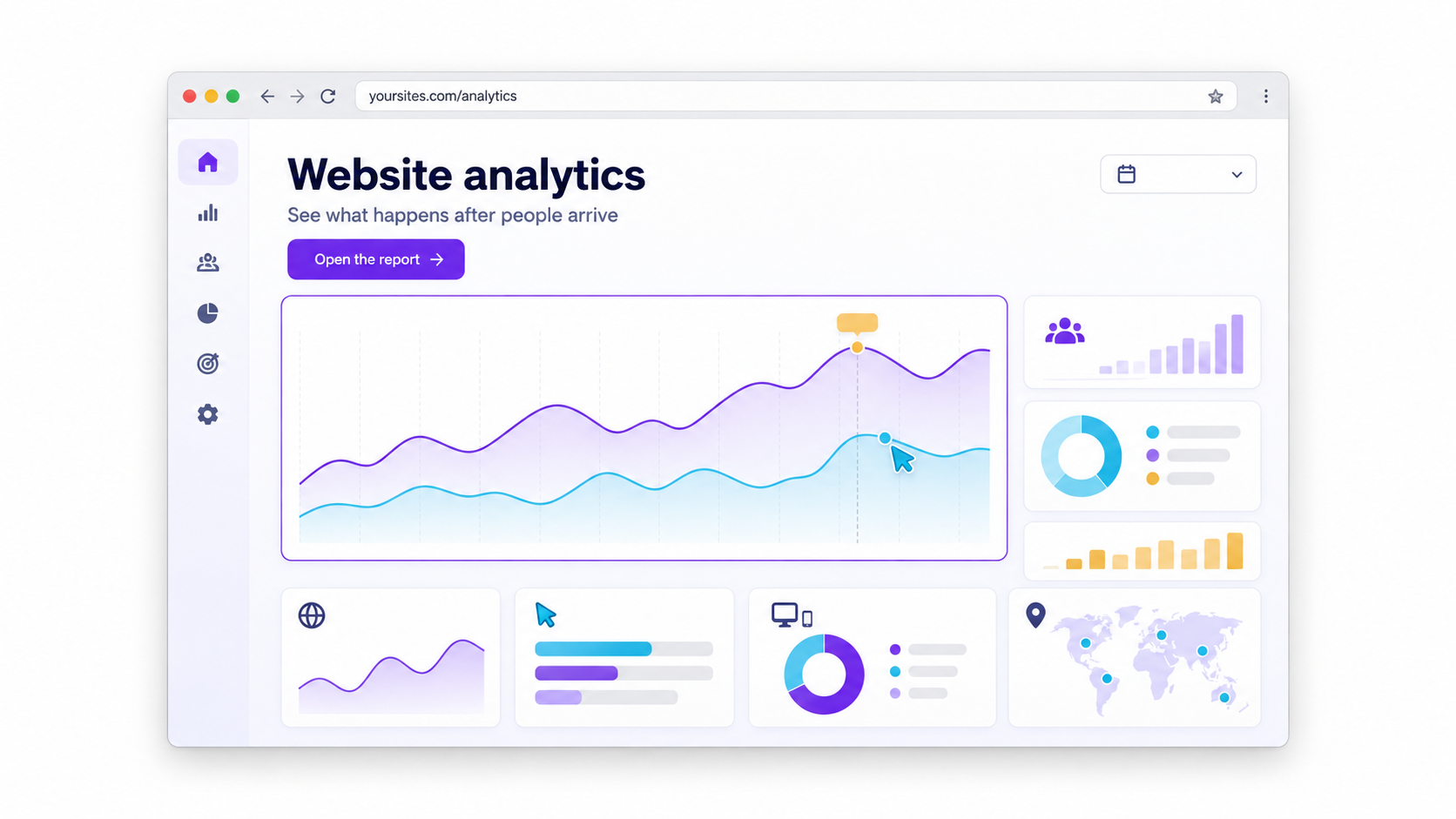
19. Google Analytics
Google Analytics shows what is actually happening on your website: how many people visited, where they came from, which pages they viewed, and whether they reached the form.
Open Google Analytics 4. In a new tab, visit your website. Your visit should appear in the real-time report.
20. Create a list of what needs fixing
After the review, do not try to tackle everything at once.
First, fix what directly affects enquiries: the button on the first screen, the form, the thank-you page, and response time. Then add case studies, reviews, and answers to questions. Technical items can be addressed gradually, but they should not be left indefinitely.
When you have such a list, the conversation with a developer or marketer becomes specific: not “we do not like something about the website,” but “here is what needs to be added and why.”
Get a promo code for website development
If, after the review, you realise that your website needs to be updated or built from scratch, submit a request for a promo code.
With it, you will receive a 20% discount on website creation with your first order.
The code is individual for each person.